Every stdout line is an event: watching a 36 GB download with Claude Code's Monitor tool
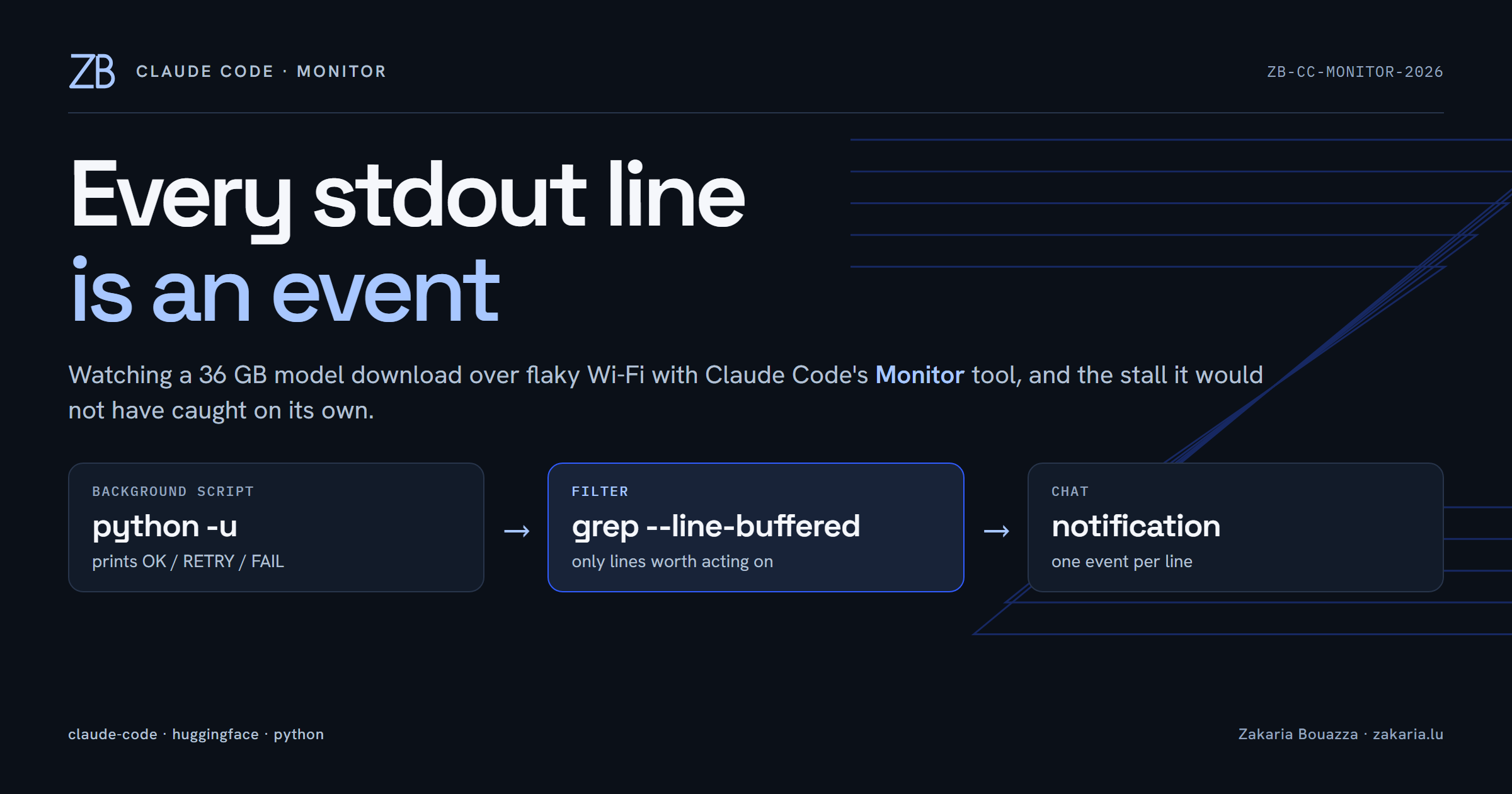
I was setting up a local video pipeline on my Strix Halo box: Shri Tools, an offline studio that turns a photo and a line of dialogue into a talking cartoon with FLUX.2 klein and MiniMax H3. Before any of that runs, eight model files have to land in ComfyUI's folders, about 36 GB in total. Claude Code handled the download in the background while we kept working, and the part worth writing up is how it watched that download: the Monitor tool, and the one stall a naive watcher would never have reported.

What Monitor actually is
Monitor runs a command in the background and turns each line of its stdout into an event that lands in the conversation. The session is not blocked while it runs: I kept asking questions, and download events arrived in between. The docs list the obvious uses: tailing a log, polling a CI job, watching a directory, or connecting to a WebSocket where each text message becomes one event.
It is different from a background Bash command. A backgrounded Bash call notifies once, when the process exits. Monitor notifies once per line, until the script ends or the deadline hits. Every watch has a timeout_ms: 5 minutes by default, 30 minutes at most. At the deadline the agent gets one notice and can start the watch again. On Windows, the tool needs Git Bash, and its commands follow the same permission rules as Bash.
Attempt 1: a download that stopped without saying so
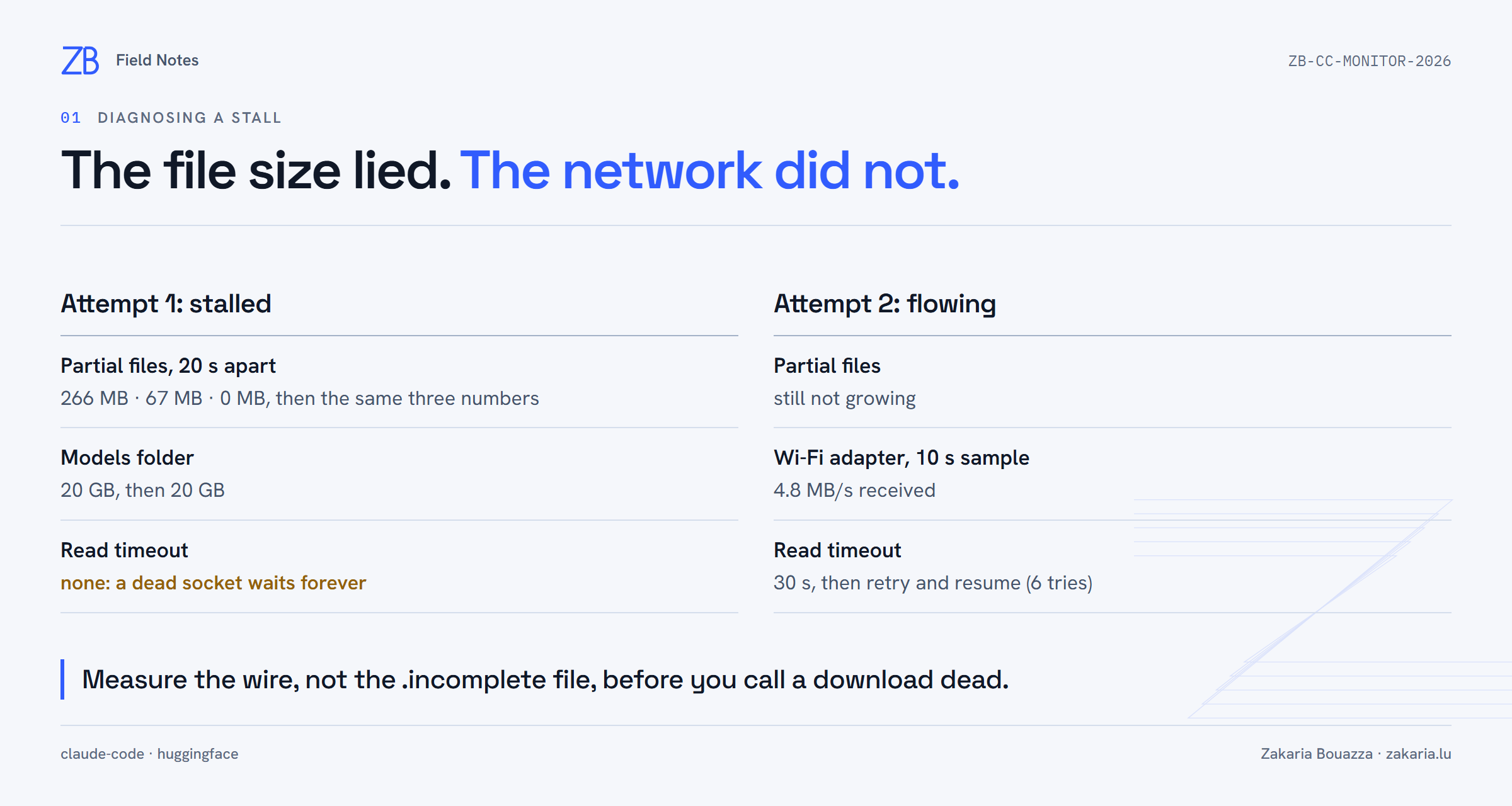
The first download ran as a plain background job: a Python script calling hf_hub_download for each file, three at a time, with its output piped through grep to keep only the result lines. Halfway through, my Wi-Fi dropped. When it came back I asked whether the download was still going.
The process was alive, which proved nothing. Claude measured instead: it listed the .incomplete files, waited 20 seconds and listed them again. Same three sizes: 266 MB, 67 MB and 0 MB. The models folder sat at 20 GB both times. The connections had died during the outage, and the download had no read timeout, so each thread was waiting on a socket that would never send another byte. Nothing would ever have been printed: no error, no exit, just silence.
That is the failure mode the Monitor docs warn about: silence is not success. A watch that only reports good news looks exactly the same as a dead process.
The fix: fail fast, then resume
Two changes to the download script. First, a timeout so a dead connection becomes an exception instead of a hang:
os.environ["HF_HUB_DOWNLOAD_TIMEOUT"] = "30"  # a dead connection fails in 30 s instead of hanging
os.environ["HF_HUB_ETAG_TIMEOUT"] = "30"
Second, a retry loop around each file. hf_hub_download resumes from the partial file, so a retry costs only the bytes still missing. Each result is printed as soon as that file finishes, not in submission order:
for attempt in range(1, 7):  # each retry resumes the .incomplete file
    try:
        got = hf_hub_download(repo, path, local_dir=tmp)
        os.replace(got, dest)
        return f"OK {os.path.getsize(dest)/1e9:.1f} GB {os.path.basename(dest)}"
    except Exception as e:
        print(f"RETRY {attempt} {os.path.basename(dest)}: {type(e).__name__}", flush=True)
        time.sleep(10)
return f"FAIL {repo}/{path}"
The four files that had already finished were skipped on restart, and the first events said so.
The file size can mislead you too
After the restart, the .incomplete files still did not grow, and new 0 MB ones appeared. By the same test as before, that looked like a second stall. Claude checked the network adapter instead: received bytes on the Wi-Fi adapter, sampled 10 seconds apart, showed about 4.8 MB/s coming in.
The data was arriving; it just was not landing in the partial files we were watching. Claude's explanation was Hugging Face's Xet transfer path, which fetches chunks and writes the file later. I did not confirm where those bytes were buffered (the Xet cache directory we checked was empty), so treat that part as a hypothesis. The lesson holds either way: the network counter was the only reliable signal.
The watch itself
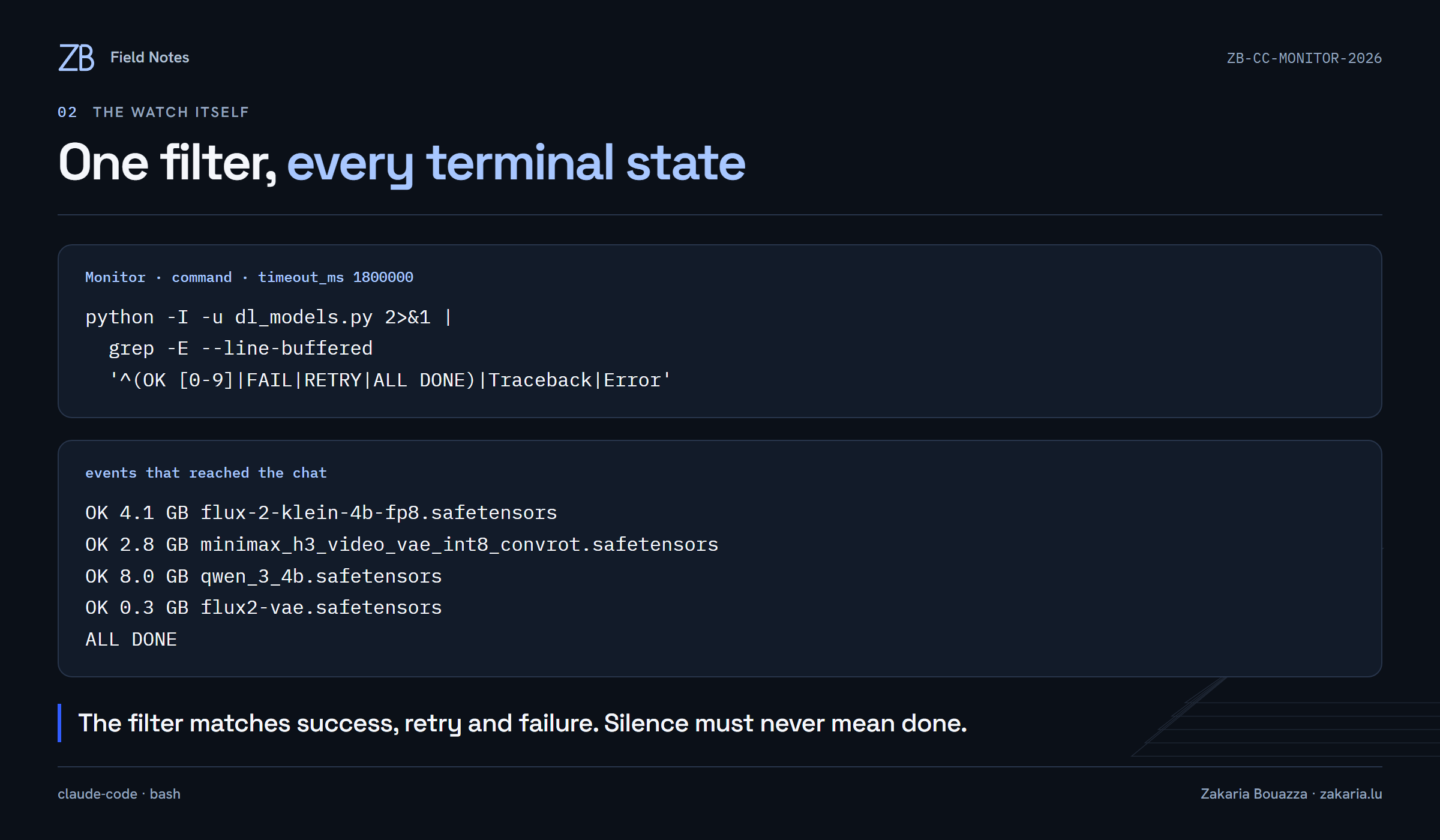
With the script fixed, the Monitor call was a short pipeline and a 30-minute deadline:
python -I -u dl_models.py 2>&1 \
  | grep -E --line-buffered '^(OK [0-9]|FAIL|RETRY|ALL DONE)|Traceback|Error'
Three details make it work:
-uand--line-buffered. Every stage of the pipe has to flush per line. Without them, Python and grep both buffer when writing to a pipe, and the events sit in a buffer until the process exits, which turns a live watch back into a single notification at the end.- The filter covers every terminal state. Success (
OK), trouble in progress (RETRY), giving up (FAIL), a crash (Traceback,Error) and the end (ALL DONE). If the script died right now, something would match. 2>&1. Only stdout becomes events. A Python traceback goes to stderr, so without the merge a crash would never reach the filter.
The noisy stuff, like progress bars and library warnings, never reaches the chat. One line per file is the right granularity for a job measured in minutes.
How it ended
I stopped everything for the workday, rebooted later, and resumed. The evening network was ten times faster, about 46 MB/s, and the remaining 15 GB arrived as four OK lines and an ALL DONE. They came in while Claude was researching this article, which is a good way to see the point of the tool: the work in front of me didn't stop, and the background job told us when it was done.
What I am keeping from this:
- A long download needs a read timeout. Without one, a network blip becomes a silent hang.
- Check progress against the network, not just the file you expect to grow.
- For Monitor: flush every stage, merge stderr, and match failure as carefully as success.
Next up is the part this was all for: the first GPU run on gfx1151, and finding out whether a cartoon version of me can say a line in my own cloned voice.