Claude Code mods change the harness, not just the prompt
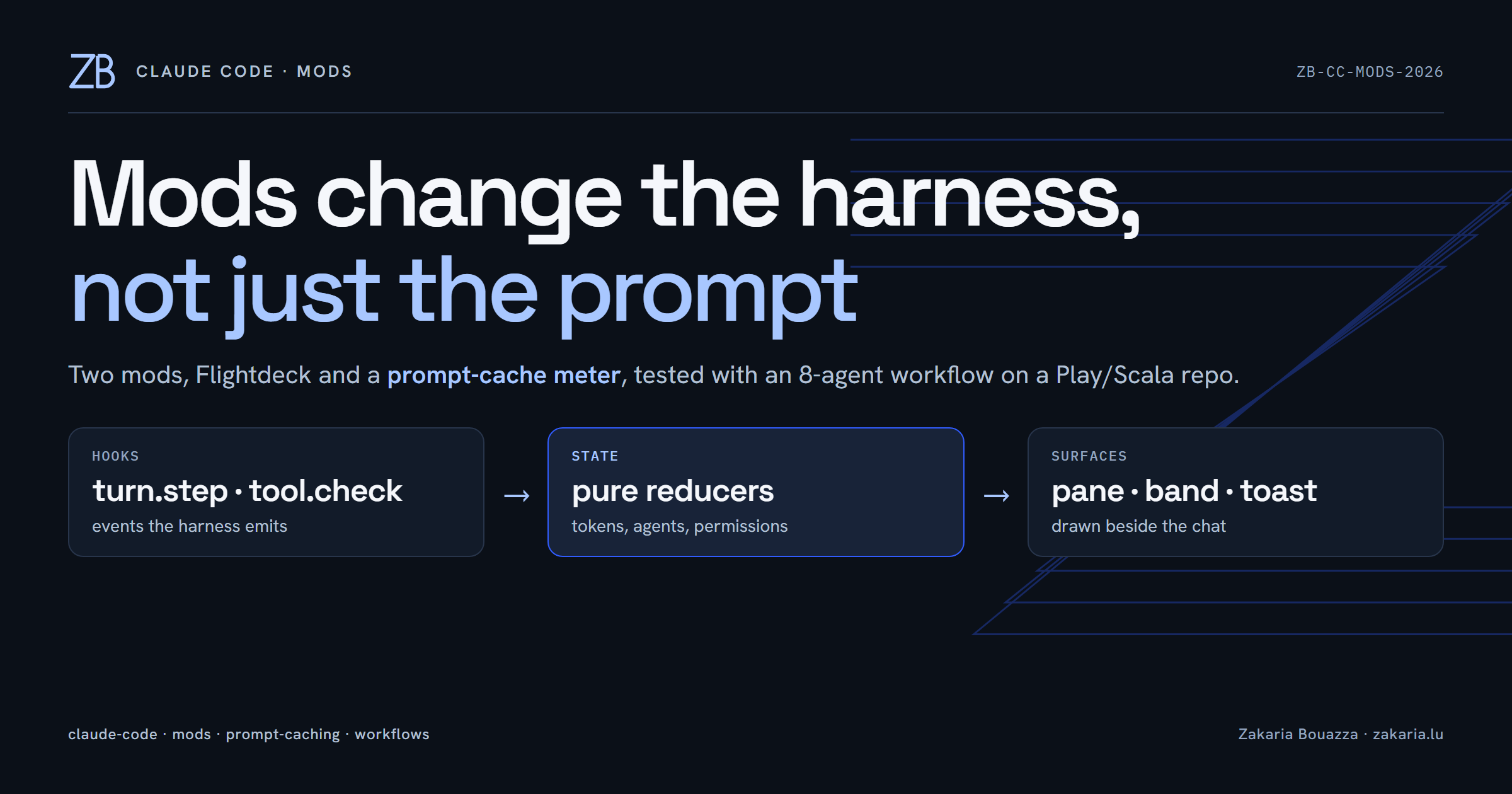
Most talk about getting more out of a coding agent is about the prompt: better instructions, better CLAUDE.md, better skills. That matters. But this week I spent an evening on the other half of the system, the harness itself, and came away convinced it is the more underrated lever. Claude Code now supports mods: plugins that hook into the running session and draw their own UI next to the chat. Two of them changed how I work in under ten minutes.
What a mod actually is
A mod is a Claude Code plugin with a hooks.json that points at a TypeScript/TSX module. The module gets a $ handle with events and surfaces: turn.step after each model request, tool.check for every permission decision, agent.spawn for subagents, a clock.every timer, plus ui.open, ui.status and ui.toast to draw things. The well-built ones keep a pure core (reducers and formatters with no I/O) so the logic is unit-testable, and keep the side-effectful wiring thin.
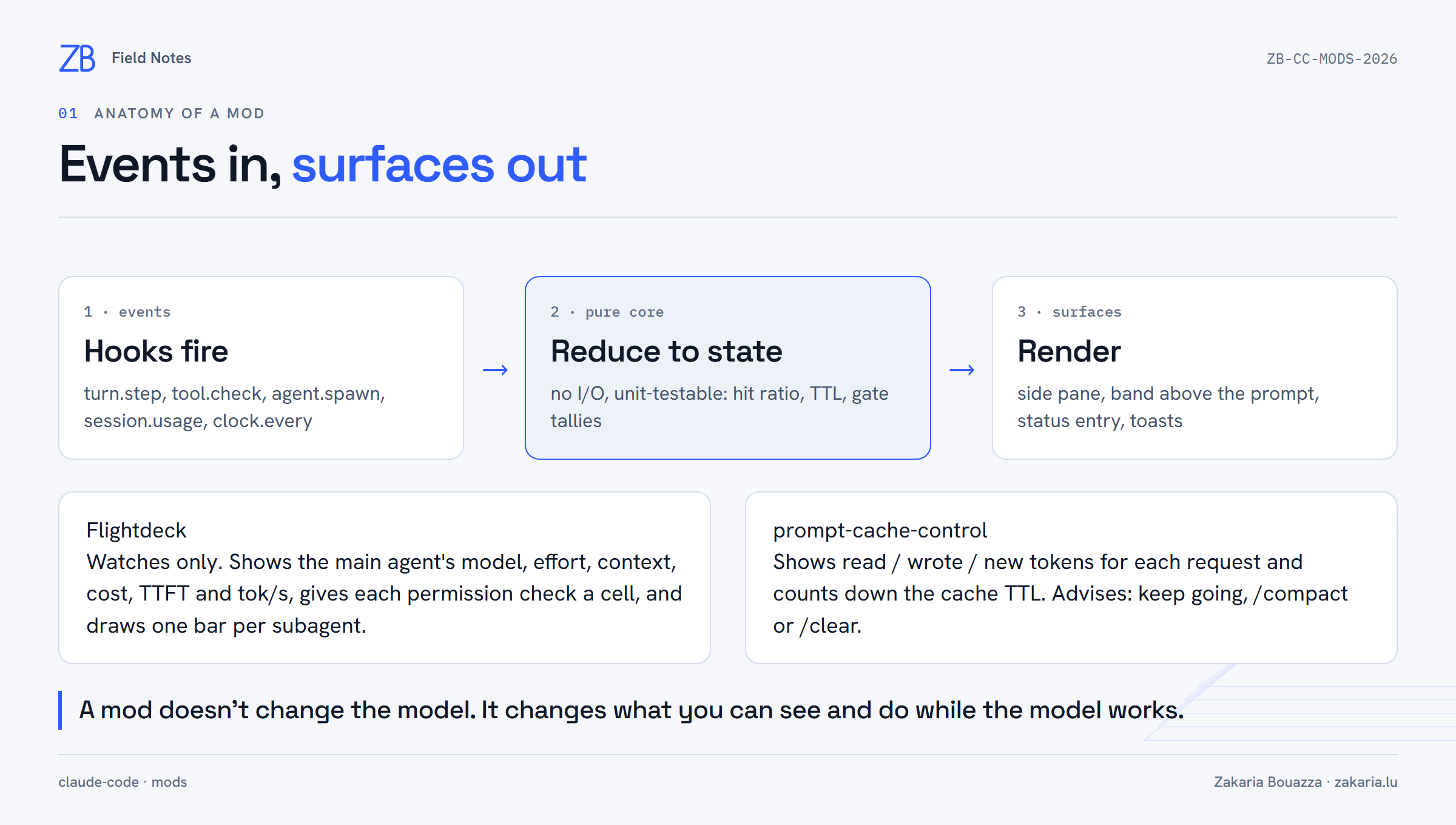
That is the important bit. A mod does not change the model, and it does not need to touch your prompt. It changes what you can see while the model works, and that changes the decisions you make.
Flightdeck: an instrument panel for the agent
Flightdeck installs from its own marketplace:
/plugin marketplace add scasella/claude-flightdeck
/plugin install flightdeck@claude-flightdeck
/reload-plugins
/flightdeck
It opens a pane on the right with a card for the main agent (model, effort, context gauge, cost, rate-limit windows, time-to-first-token and tokens per second), a gate that gives every permission check one coloured cell, and a row per subagent with a live progress bar. You focus it with ctrl+x tab, press a number to expand an agent, and f/s/o to drill into file, shell or other permission checks. By its own description it only observes: its hooks pass every event through unchanged, so it never denies or rewrites a tool call.
Prompt-cache-control: the meter I didn't know I needed
The second mod, prompt-cache-control (from claude-code-templates), puts a band above the prompt that shows, for the last request, how many tokens were read from the prompt cache, how many were written, and how many went in new and uncached, plus a countdown to the moment that cache entry expires.

This matters because of how prompt caching is priced. Reads are cheap (around a tenth of base input); writes cost more than base (1.25× for the 5-minute TTL, 2× for the 1-hour one). The expensive moment is coming back to a large conversation after the cache lapsed and rewriting the whole prefix. The mod's advice turns that into a decision: warm, keep going; expires soon, any message refreshes it; or expired, /compact first once the prompt is over 100k tokens.
The part I found most interesting is in its source. The mod API only passes on four token counts per request, not which TTL was used, so the mod infers it. It follows Claude Code's documented order (FORCE_PROMPT_CACHING_5M, CLAUDE_CODE_PROMPT_CACHE_TTL, the promptCacheTtl setting, ENABLE_PROMPT_CACHING_1H, then 1 hour on a subscription and 5 minutes on an API key), and then corrects itself from traffic: a cache hit more than five minutes after the previous request proves the 1-hour lifetime. It also names the cause of a miss: model changed, cache lapsed, or the prefix changed.
Testing both with a real workflow
A panel for subagents is only interesting with subagents running, so I had Claude launch a small dynamic workflow against a Play 3 / Scala starter I'm building: one scout agent to list the uncommitted files, three reviewers (correctness, DI wiring, tests), three skeptics each verifying one reviewer's findings, and a summary agent. The reviewers and verifiers ran in a pipeline() rather than behind a barrier, so each lens moved to verification as soon as it finished. That is exactly the kind of staggered state a progress display has to get right.
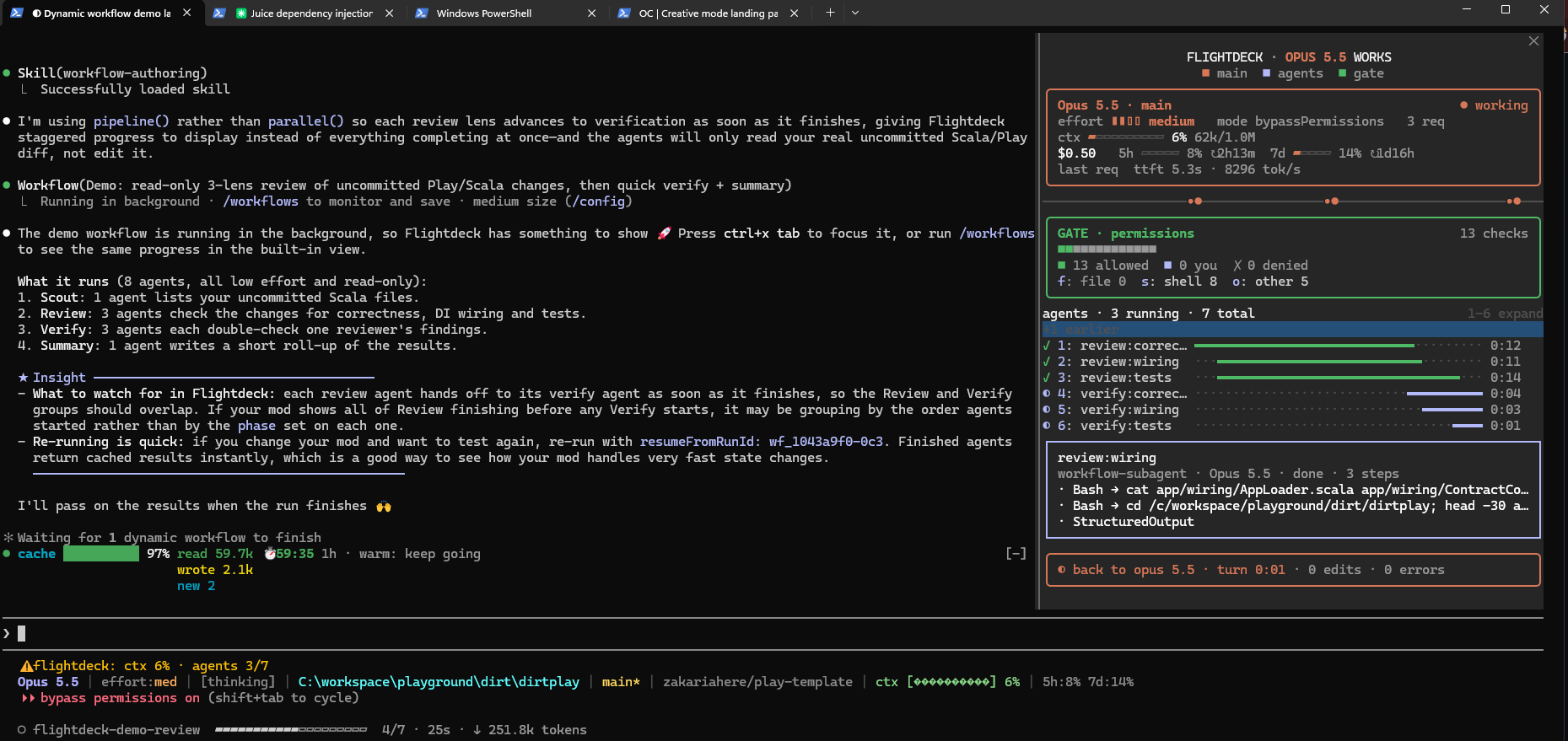
The whole run took 36 seconds with 8 agents, 0 errors and about 343k subagent tokens. The screenshot shows the overlap I wanted to see: review:* rows ticked off at 0:11 to 0:14 while the verify:* rows were still filling. Meanwhile the cache band in the main session stayed at 97% read with the 1-hour timer ticking, because a background workflow's agents don't disturb the main conversation's cached prefix.

As a bonus, the workflow found real issues in the Scala code: scratch JSON type-class code (with an object Tests extends App) living in the production wiring package, a misspelled contratId that had leaked into the JSON wire format, and a config key that nothing reads. Not bad for a test fixture.
Why this changes the harness, not just the view
It is tempting to call these dashboards. I think that undersells them. A harness is the loop around the model: what it can call, what it is allowed to do, and what you see while it does it. Mods give you access to the third part, and the third part drives the first two. When I can see that a permission gate has passed 13 shell and other checks without asking me, I review my allowlist differently. When I can see that a 1-hour cache has four minutes left on a 150k prompt, I send the next message or run /compact instead of walking away. When I can see every agent of a workflow, I write workflows with more confidence.
The model stayed the same, and so did my prompts. My behaviour changed because the harness started showing me what was already going on. If you use Claude Code daily, try one mod for a week. I'd start with the cache meter: it is the one that shows you how much things cost.