Backbeat: I put a Spotify remote control inside IntelliJ IDEA
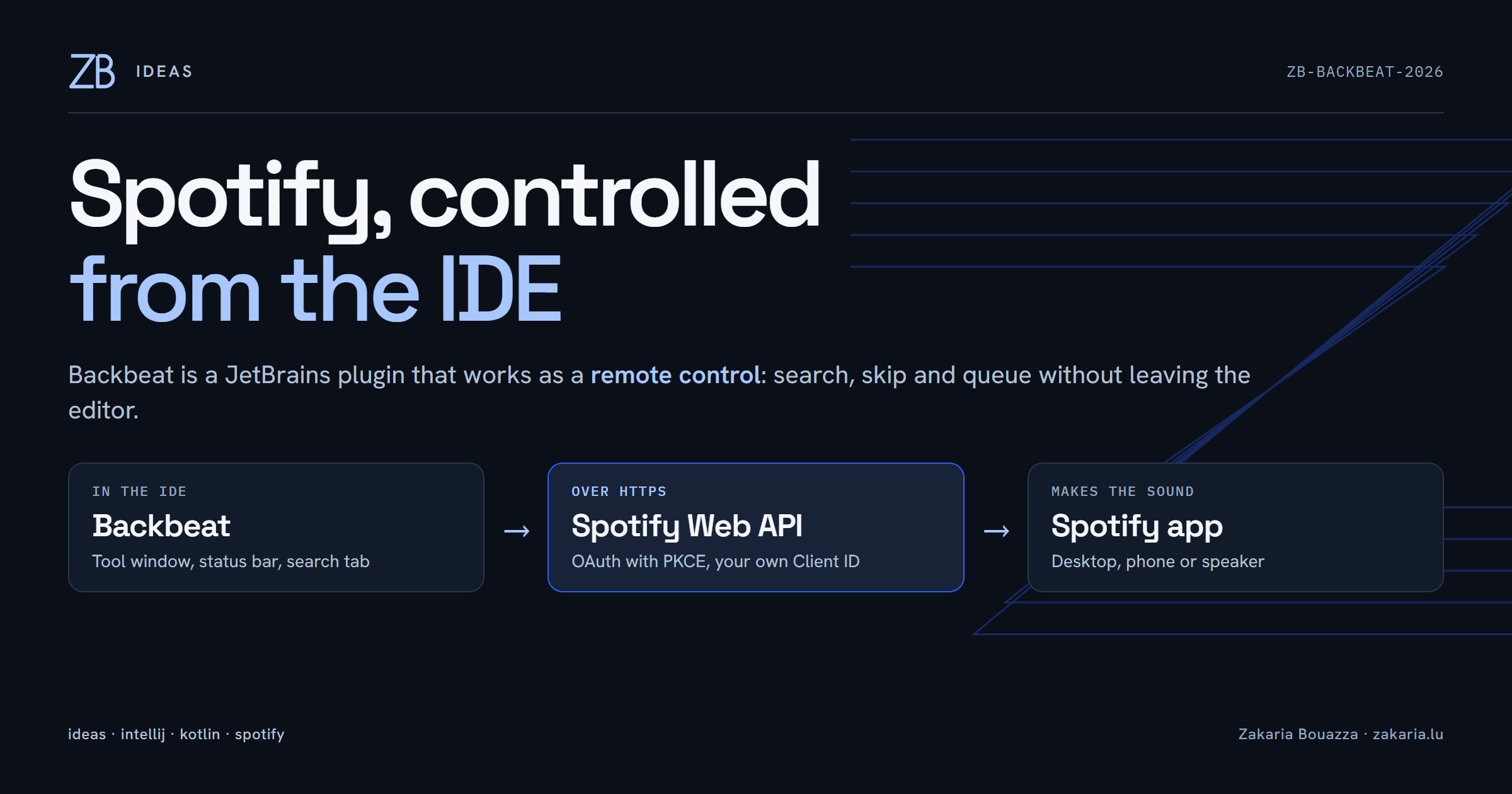
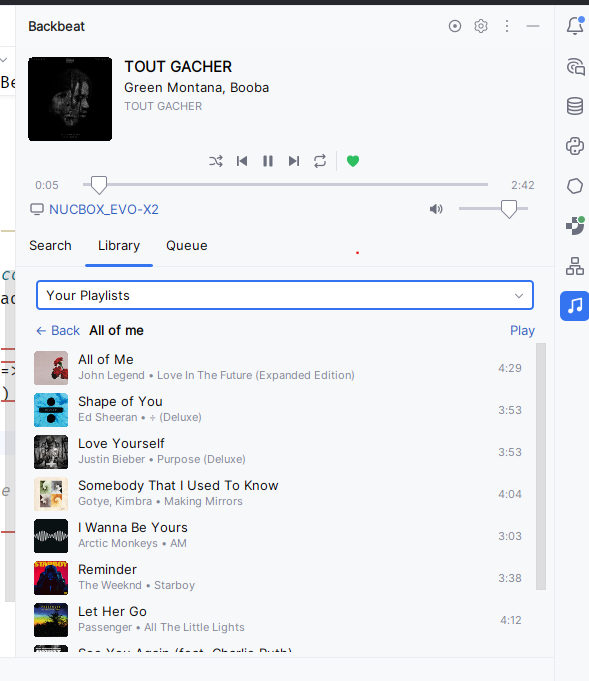
I work with IntelliJ IDEA and Spotify side by side, all day. Changing a song means leaving the editor, finding the Spotify window, clicking, and coming back. It is a small interruption, repeated many times a day. So I built a plugin that puts the controls where my hands already are. It is called Backbeat, it is open source, and it is now on the JetBrains Marketplace.
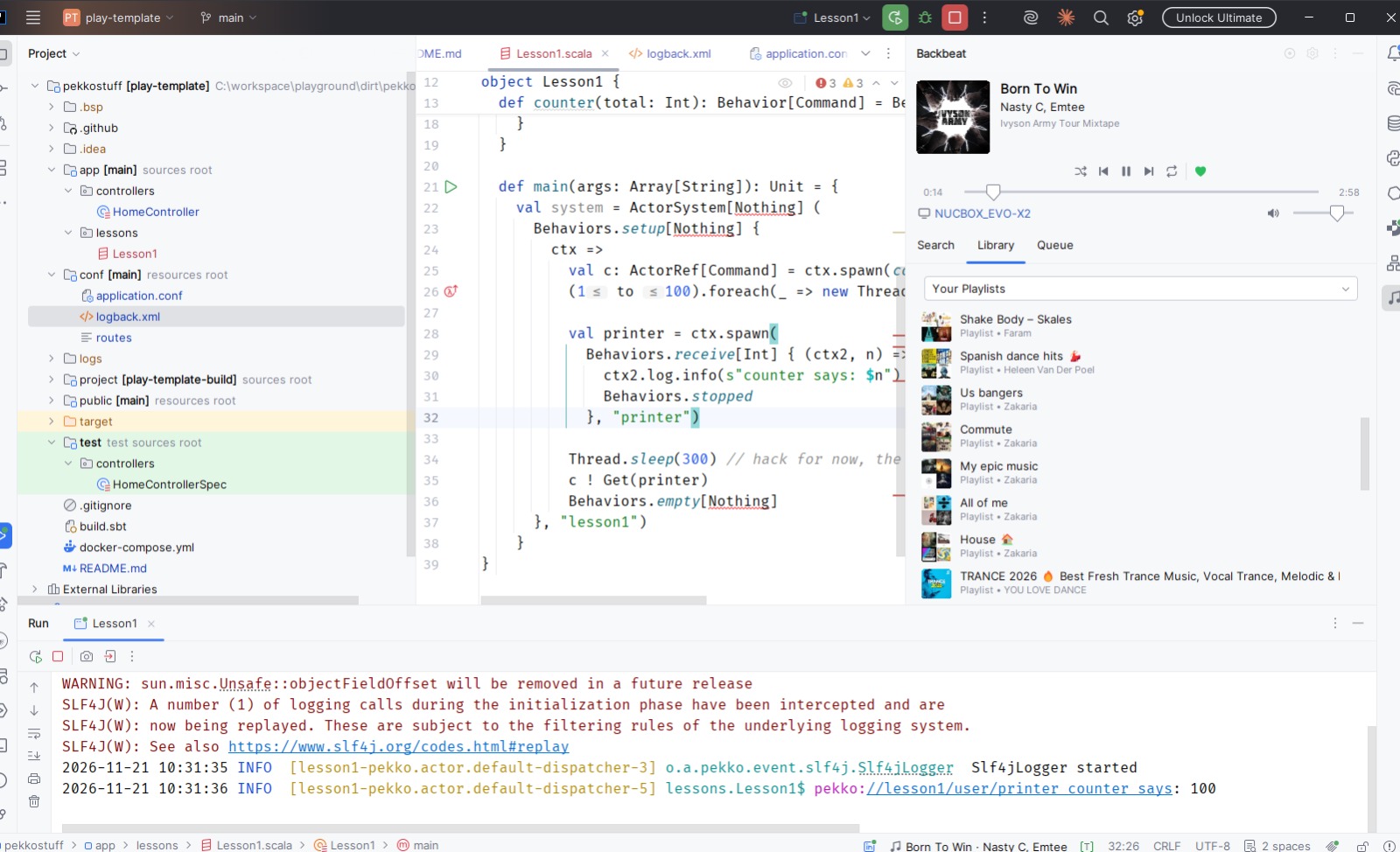
I built it in one long Claude Code session, and this post is about the decisions that shaped it more than the code itself.
It is a remote control, not a player
My first idea was to embed the Spotify web player in the IDE. That does not work. IntelliJ's embedded browser (JCEF) ships without the Widevine DRM module, and Spotify will not stream audio without it.
So Backbeat does not make sound. It sends commands through the Spotify Web API, and a real Spotify app plays the music: the desktop app, a phone, or a speaker. The consequence is one rule that I repeat in the README, in the plugin description and in the setup screen: the Spotify desktop app has to be running. If it is closed, there is nothing to control.
Why you bring your own Client ID
A community plugin would normally ship one Spotify Client ID for everybody. Spotify's rules make that impossible for a hobby project: an app in development mode is capped at five users, and the app owner needs a Premium account. Getting out of development mode is a process meant for companies.
So every user creates their own Spotify app in the developer dashboard, which takes about a minute, and pastes the Client ID into the plugin. Login is OAuth Authorization Code with PKCE. There is no client secret, the password never reaches the IDE, and the refresh token is stored in the IDE password safe.
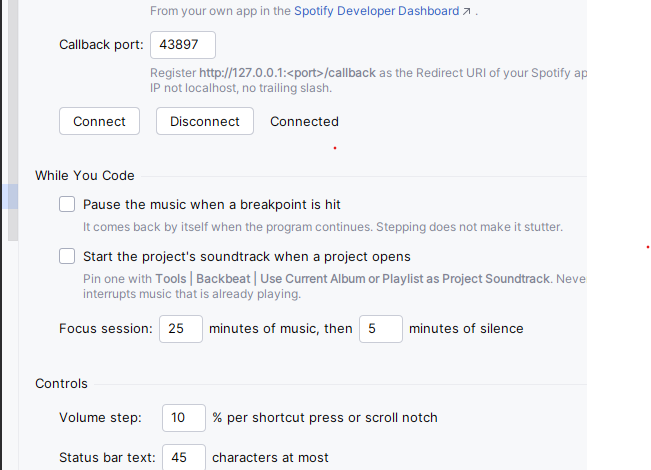
The callback is a tiny listener on the loopback address. The redirect URI must match the dashboard entry character for character:
http://127.0.0.1:43897/callbackI learned how strict that is on my first login. My dashboard had a different port and path, and Spotify answered with redirect_uri: Not matching configuration. Adding the exact URI above fixed it. The port is configurable in the settings, the path is not.
One poller, three views
The Web API has no push channel for playback state, so the plugin has to poll. There are three places that show the current song: the tool window, the status bar widget and the Search Everywhere tab. If each one polled, I would burn three times the API quota for the same information.
Instead there is one application-level PlayerService. It polls, runs every command, and publishes a snapshot on the IntelliJ message bus. Every view is a listener and nothing else.
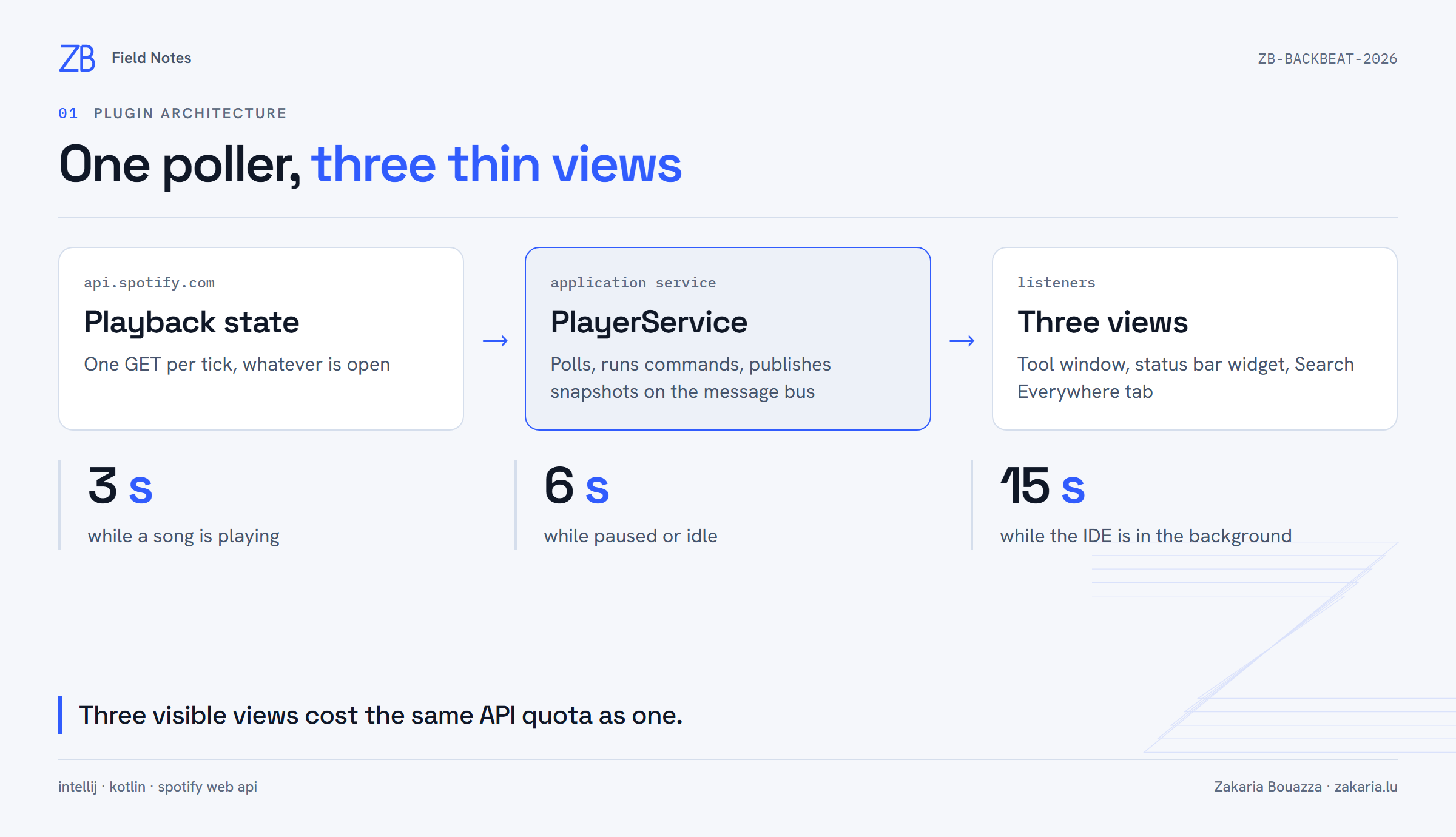
Polling every three seconds would make the buttons feel slow, so commands update the UI optimistically and the next poll confirms the result. One more detail: Spotify forgets idle devices. When a command fails with "no active device", the service transfers playback to an available device and retries, so the first click after a coffee break still works.
What only an IDE plugin can do
A remote control alone is a convenience. The part I find interesting is connecting the music to IDE events:
- Pause on breakpoint. The music stops when the debugger suspends and comes back when the program continues. Stepping does not make it stutter.
- Project soundtrack. Pin an album or playlist to a project and optionally start it when the project opens. It is stored per user, not in version control.
- Focus sessions. A Pomodoro timer: 25 minutes of music, 5 minutes of silence, with the countdown in the status bar.
There is also a Spotify tab in Search Everywhere: press Shift twice, type, Enter plays, Shift+Enter queues.
What the Marketplace taught me
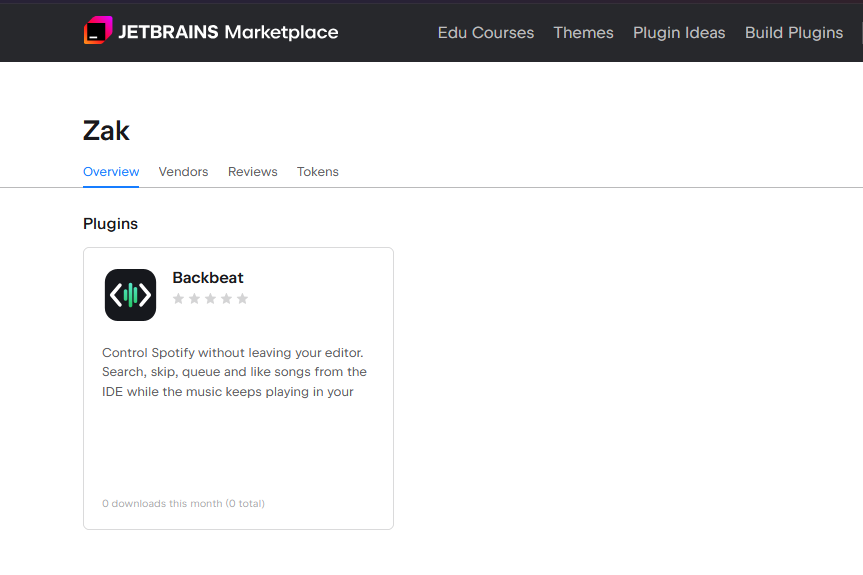
The working name was "Spotidea". The JetBrains Plugin Verifier rejected it: a plugin name must not contain the word "IDEA". That is how it became Backbeat. The package is still dev.spotidea.
The second lesson came from the Marketplace's own verification against the 2026.3 EAP: compatible, with three usages of deprecated API, all from the Search Everywhere contributor. I looked at the replacement API in the IDE jars before touching anything. In 2025.3, my minimum version, it is marked internal. In 2026.2 it is still experimental. Migrating today would replace a harmless deprecation warning with internal API usage, which is worse. I am keeping the old API for now and will migrate when I raise the minimum version.
Limits, stated plainly
- Spotify Premium is required. Spotify only allows Premium accounts to be controlled from other apps.
- The Spotify desktop app (or another Spotify device) must be running.
- Setup needs your own Client ID. It takes a minute, but it is a step.
- Spotify changed its Web API in February 2026. Search now returns at most ten results per request, so the search list pages in small steps.
Try it
The code is MIT licensed on GitHub, and the plugin page is on the JetBrains Marketplace. It supports JetBrains IDEs from 2025.3. If you try it and something breaks, open an issue. I use it every day now, so I will notice too.