Cleaning up your systemd service
A while back I stood up a tiny honeypot on my Hetzner box — a fake SSH listener that logged connection attempts and did nothing else. It was a fun weekend toy: a small Python script, a hardened systemd unit, a dedicated unprivileged user. It ran for a couple of weeks, caught 30 probes pretending to be script kiddies, and then I was done with it.
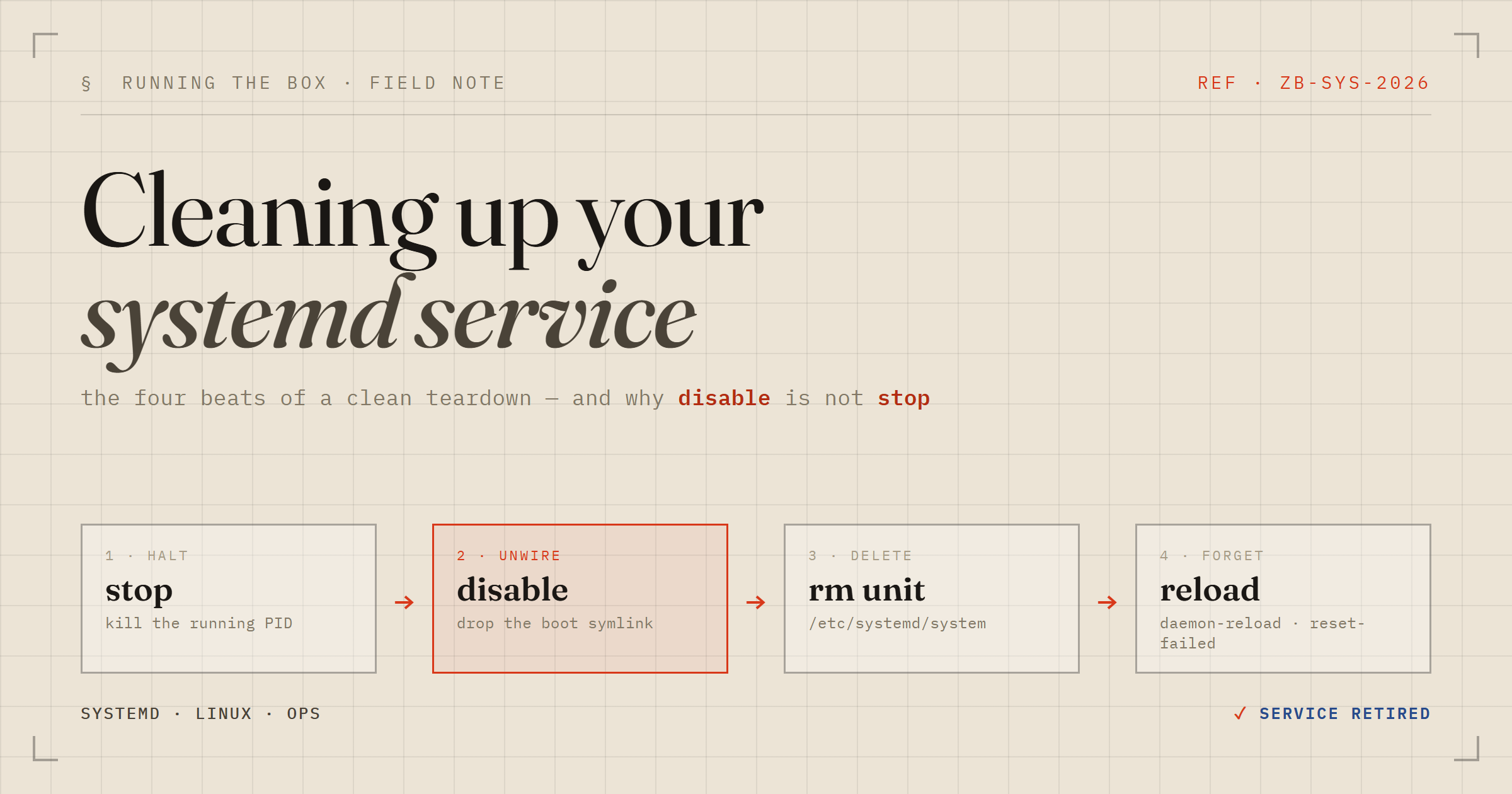
“Just delete it” sounds like a one-liner. It isn't — not if you want the box to actually forget the thing existed. Removing a systemd service cleanly is four distinct beats, and skipping any of them leaves a ghost behind. Here's the sequence I ran, and why each step is there.
The four beats
As a single copy-paste line (swap NAME):
sudo systemctl stop NAME.service \
  && sudo systemctl disable NAME.service \
  && sudo rm -f /etc/systemd/system/NAME.service \
  && sudo systemctl daemon-reload \
  && sudo systemctl reset-failed
Four beats, each undoing a different thing systemd is holding onto:
| Step | What it undoes |
|---|---|
stop | Kills the running process now. The unit is still installed. |
disable | Removes the *.target.wants/ symlink, so it won't start on boot. |
rm the unit file | Deletes the actual definition from /etc/systemd/system/. |
daemon-reload | Makes systemd re-read units so it forgets the one you deleted. |
reset-failed | Clears any lingering failed/leftover state for that unit name. |
Why 'disable' isn't 'stop'
This is the one that trips people up, so it's worth being explicit. stop and disable are orthogonal. They act on two completely different things:
stopends the current run — it signals the process, nothing more.disableremoves the boot-time wiring — the symlink undermulti-user.target.wants/(or whatever target the unit's[Install]section wants).
So a stopped-but-enabled unit comes roaring back on the next reboot. And a disabled-but-running unit keeps running right now until you stop it. You need both. On my honeypot, disable is exactly what printed the line I wanted to see:
Removed '/etc/systemd/system/multi-user.target.wants/honeypot.service'.That symlink is the enablement. Deleting the unit file without disabling first leaves a dangling symlink pointing at nothing — harmless, but the kind of litter that makes systemctl complain later.
Two shortcuts are worth knowing. systemctl disable --now NAME does stop and disable in one call — the inverse of the familiar enable --now. And systemctl revert NAME restores a shipped unit you'd only overridden with drop-ins, rather than one you authored from scratch.
Know where the unit lives
The rm step assumes your unit is under /etc/systemd/system/ — the directory for units you put there. That's true for anything hand-rolled like my honeypot. It is not true for units that arrived with a package:
/etc/systemd/system/— your local units and overrides. Safe torm./usr/lib/systemd/system/(or/lib/...) — distro/package units. Don'trmthese; the package manager owns them and will fight you.
To suppress a packaged unit without deleting it, mask it instead:
sudo systemctl mask NAME     # symlinks the unit to /dev/null — it cannot start
sudo systemctl unmask NAME   # reverses it
Masking is a stronger “off” than disable: a masked unit can't be started manually, by a dependency, or by socket activation. Nothing can pull it back up until you unmask it.
Don't forget the drop-ins and the user
Two bits of collateral the four-beat line doesn't cover.
Drop-ins. If you ever ran systemctl edit NAME, your overrides live in /etc/systemd/system/NAME.service.d/ as .conf fragments. Deleting the main unit leaves that directory orphaned. Remove it too. For templated units the file is NAME@INSTANCE.service (e.g. getty@tty1), and each running instance needs its own stop/disable.
The service user. This is the one people forget. My honeypot ran as a dedicated honeypot:honeypot account (uid 999) with a locked-down unit — ProtectSystem=strict, NoNewPrivileges=true, ReadWritePaths=/opt/honeypot and nothing else. That dedicated user is part of the service's footprint. Delete the unit and the working directory but leave the account behind, and you've got an orphaned user whose only reason to exist just got removed:
sudo rm -rf /opt/honeypot   # script, logs, working dir
sudo userdel honeypot       # the dedicated uid 999 system user
Then verify it's genuinely gone rather than assuming:
systemctl status NAME.service   # -> Unit could not be found.
id honeypot                     # -> no such user
ss -ltnp | grep 9099            # -> nothing listening
Nothing to commit
One last thing worth saying out loud, because it's the reason a cleanup like this is easy to get wrong. This service lived entirely outside my repo — no compose file, no committed unit, hand-crafted directly on the box. So there was nothing in version control to remove; the cleanup was purely a live-system operation, and the only record that it ever existed is now this post.
That cuts both ways. It's why the toy was quick to stand up — and exactly why the teardown had to be deliberate. Config that isn't in git can only be cleaned up by hand, and by hand is where you forget the symlink, the drop-in, or the user. Four beats, plus the collateral. Then it's like it was never there.