How to Redirect Keycloak to One Identity Provider
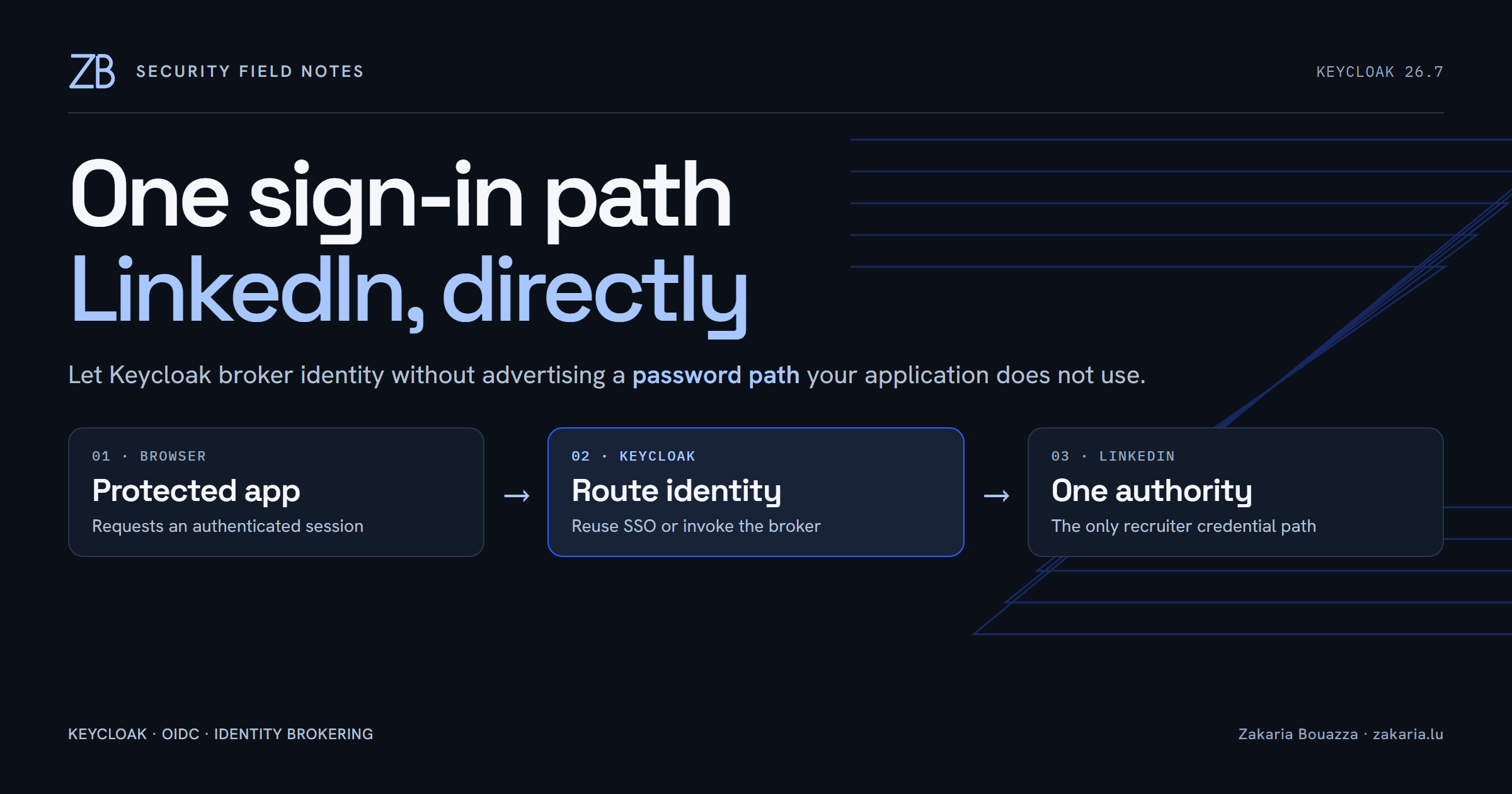
The problem was visible before it was technical
When a recruiter opened my career site, the application sent them to Keycloak. Keycloak then showed the screen below: a username field, a password field, and a LinkedIn button underneath. Technically, LinkedIn worked. The problem was that the page advertised two credential authorities while the product supported only one.
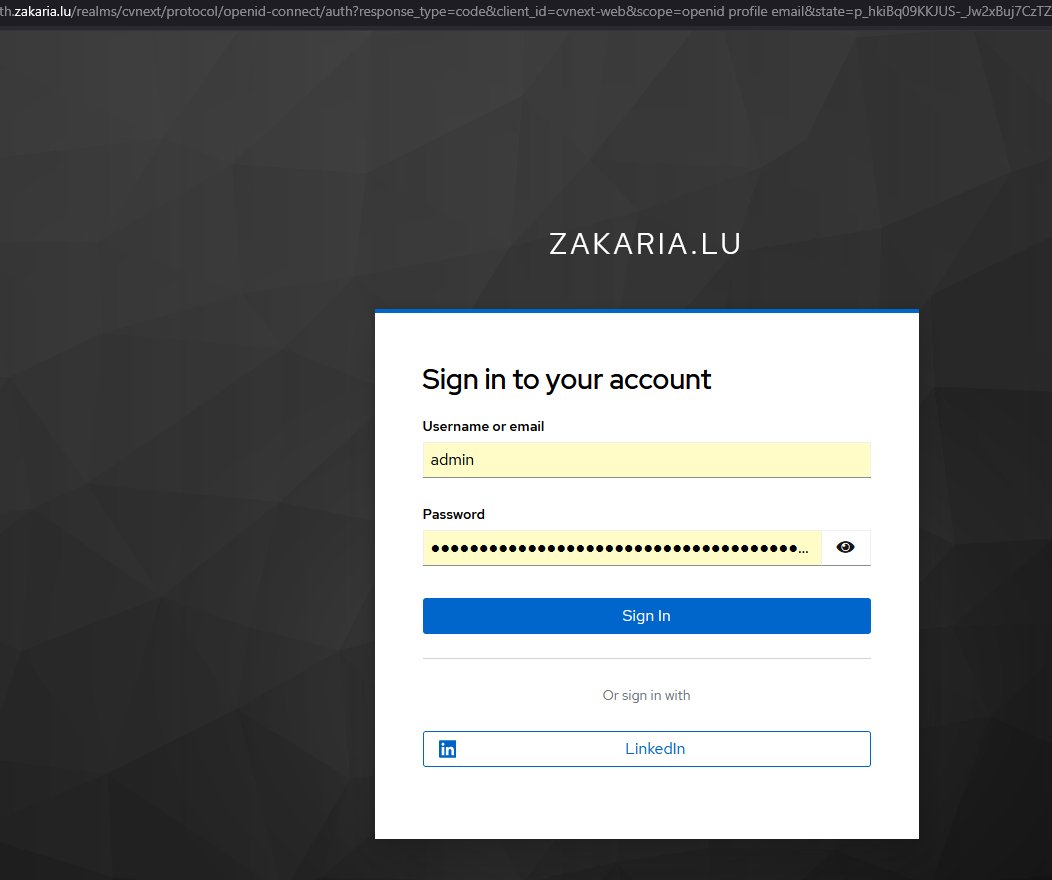
That ambiguity matters. A recruiter can reasonably assume that I issued them a password, that password reset should exist, or that the local form is broken. None of those things was true. My application is an OIDC client of Keycloak, and Keycloak brokers the human identity to LinkedIn. I wanted the browser flow to express that architecture honestly.
The small Keycloak tweak—and its limit
Keycloak does have a built-in configuration for this. Under Authentication → Flows → Browser, an Identity Provider Redirector execution can be configured with a Default Identity Provider. Set that value to the identity provider alias—in my realm, linkedin-openid-connect—and a user without an existing Keycloak session is sent to LinkedIn automatically.
For many installations, that is enough. It removes an unnecessary choice from the normal path while preserving Keycloak’s standard browser flow. The Keycloak Server Administration Guide documents the same redirector and its kc_idp_hint behavior.
But it is a convenience redirect, not a LinkedIn-only guarantee. If the configured provider cannot be resolved, Keycloak can fall back to its login form. A request can also send an empty kc_idp_hint to disable the automatic redirect. If the Forms sub-flow is still present, the username and password page still exists behind the shortcut.
I needed LinkedIn-only, not LinkedIn-first
For this realm, I wanted a stricter invariant: an existing Keycloak SSO session may be reused; otherwise authentication goes to LinkedIn. There is no local recruiter password path to reveal.
I created a custom top-level browser flow containing only two alternative executions:
- Cookie with requirement
ALTERNATIVE, so an existing Keycloak session still works. - Identity Provider Redirector with requirement
ALTERNATIVE, configured withdefaultProvider=linkedin-openid-connect.
The important part is what the flow does not contain: the standard Forms sub-flow. Removing Forms turns the design from “prefer LinkedIn” into “LinkedIn is the only interactive credential authority.” If someone deliberately suppresses the identity-provider hint, the flow fails closed instead of quietly exposing a password form.

The realm JSON is deliberately small
The relevant shape in my exported realm is compact. The alias in defaultProvider must exactly match the identity provider alias configured in the realm.
{
  "browserFlow": "cvnext linkedin browser",
  "authenticationFlows": [{
    "alias": "cvnext linkedin browser",
    "providerId": "basic-flow",
    "topLevel": true,
    "builtIn": false,
    "authenticationExecutions": [
      {
        "authenticator": "auth-cookie",
        "requirement": "ALTERNATIVE",
        "priority": 10
      },
      {
        "authenticator": "identity-provider-redirector",
        "requirement": "ALTERNATIVE",
        "priority": 20,
        "authenticatorConfig": "linkedin default provider"
      }
    ]
  }],
  "authenticatorConfig": [{
    "alias": "linkedin default provider",
    "config": {
      "defaultProvider": "linkedin-openid-connect"
    }
  }]
}
In a dedicated realm, binding this as the realm’s browser flow is clear. In a shared realm, I would scope it to the application using the client’s Authentication Flow Overrides; changing the realm-wide browser flow would otherwise affect every client.
Do not replace a live realm casually
The JSON is the canonical configuration, but I did not use a full realm replacement as the production deployment mechanism. Keycloak’s startup import skips a realm that already exists. The separate import command can override it, but an override is a replacement operation with a much larger blast radius than changing one authentication flow.
On the live realm I applied the narrow flow change through Keycloak’s Admin API, preserving users and the rest of the realm state, then synchronized the canonical realm JSON. The Keycloak import and export guide is worth reading before treating --override like an ordinary configuration update.
The verification that mattered
I first imported the realm into a disposable Keycloak 26.7.3 instance. Production was running 26.7.1, so this also checked the configuration against the same release line before touching the live realm.
Then I exercised the real OIDC authorization request. The first response was a 303 to Keycloak’s broker endpoint for linkedin-openid-connect; the next response was a 303 to LinkedIn. Finally, I sent an empty kc_idp_hint. It returned HTTP 400, and the response contained no username field, password field, or login-form marker. That failure was intentional: an invalid route must not resurrect the credential surface I removed.
The rule I keep
If an application supports one human identity provider, Keycloak should present one credential authority. Configuring a default provider improves the common path. Removing the unused Forms execution enforces the boundary.
The result is a smaller and more truthful sign-in surface: Keycloak still owns sessions and OIDC brokering, LinkedIn still authenticates the recruiter, and the browser no longer suggests a password contract that does not exist.