The most honest cookie banner sets no cookies
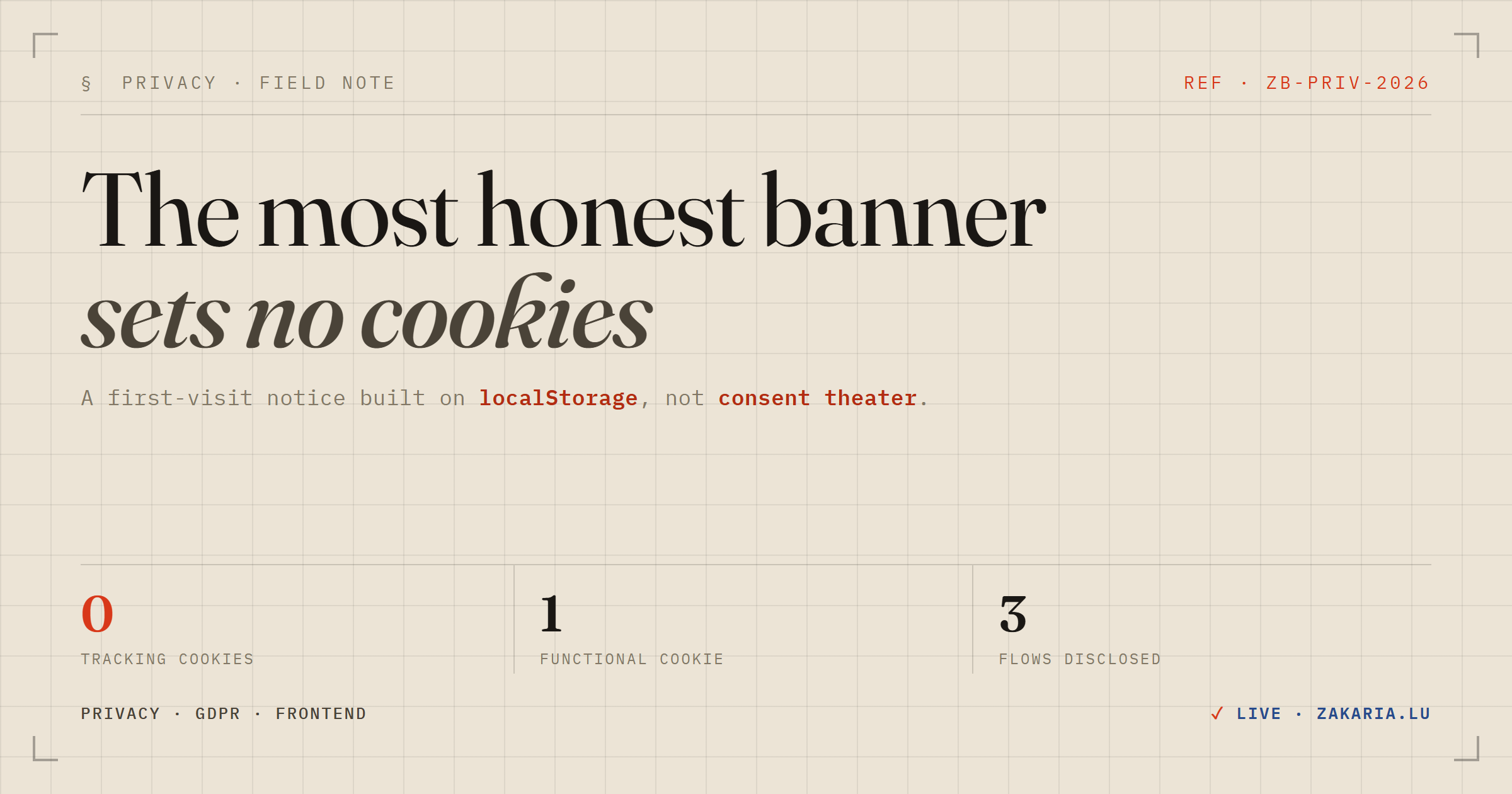
Every site you visit throws a grey bar at you: We value your privacy. Accept all cookies? Most of them are theatre — a friction tax that trains people to click “Accept” without reading, bolted on because someone said the site needed one. This week I added a privacy notice to my own site, and the most interesting decision was refusing to make it a cookie banner at all.
The gap I was actually closing
My site is a recruiter-facing career page. It quietly records a little about who visits, so I can gauge interest: an anonymous page-open, and how long a visitor spends on each section of the dossier. Both flows are deliberately privacy-minimal — the stored IP has its last block masked off, the geo lookup happens in memory and is thrown away, and the section-timing is keyed to a random token that only lives for one visit.
The problem wasn't the data. It was the disclosure. Only the LinkedIn sign-in flow told you anything (“signing in records your profile, IP, and approximate location”). The two anonymous flows fired for every visitor with no notice at all. That's the honest gap: not “I'm doing something creepy,” but “I'm doing something reasonable and not saying so.”
Why it isn't a “cookie banner”
Here's the fact that reshaped the whole feature: the only cookie my site sets is a functional session cookie, and only after you sign in with LinkedIn. It keeps you logged in and does nothing else. There are no analytics cookies, no advertising cookies, no third-party trackers.
Under GDPR and the ePrivacy rules, a strictly-necessary functional cookie is exempt from consent. So a classic “Accept cookies” banner would have been actively misleading — it would imply a category of tracking cookies that simply don't exist. The compliance-shaped instinct (“add a cookie banner”) would have made my site less honest, not more.
So I framed it as what it actually is: a short privacy & analytics notice. It says, in plain words, that the site keeps a coarse, anonymised record of visits, visible only to me, with no tracking cookies and no cross-site tracking. Then it links to a full page that documents all three flows — including the one asymmetry worth being upfront about: signing in stores your full IP and profile, because you chose to identify yourself, while the anonymous flows never do.
localStorage, not a cookie (the part I enjoyed)
A dismissible banner needs to remember you dismissed it. The reflex is to drop a cookie. But think about what that cookie would say on the wire: my notice literally claims “no tracking cookies,” and to enforce that claim I'd be… setting a cookie. Even a harmless one undercuts the sentence.
So the “Got it” state lives in localStorage instead:
const dismiss = () => {
  try {
    window.localStorage.setItem('cvnext:privacy-ack', '1')
  } catch {
    // private mode: can't persist — still hide it for this session
  }
  setAcked(true)
}
And on mount, the component reads it back to decide whether to render at all. The distinction matters for more than pedantry:
- A cookie is attached to every single request to the origin — it travels to the server whether the server wants it or not.
localStorageis client-only. It never leaves the browser, never hits my backend, and never shows up in a log.
Remembering “this person closed a banner” is a purely local UI concern, so it belongs in local, client-only storage. Using a cookie would send that fact to the server on every page load for no reason. The right tool also happens to be the honest one.
Informational, not a consent gate
The other fork: should “Got it” actually gate the analytics — suppress the beacons until you accept — or just inform you? I went with informational. The dismiss is cosmetic; it hides the bar and never touches the tracking.
That's a defensible call precisely because of how minimal the anonymous data is: masked IP, geolocate-then-discard, no persistent identifier, owner-only. The one flow that collects real personal data (LinkedIn login) is already opt-in and already disclosed at the point of action. A giant “Reject” wall in front of an anonymised, masked-IP counter would be its own kind of theatre — friction that signals compliance without improving anyone's privacy.
The goal was never to collect a click that says “consent.” It was to make sure nobody is surprised by what the site does. Disclosure over ceremony.
The takeaway
If you're reaching for a cookie banner, first check whether you actually set tracking cookies. Often you don't — you set one functional session cookie and do some server-side, anonymised counting. If that's you, the honest artifact isn't a consent modal. It's a plain-language notice that says what you collect, a details page that doesn't flinch from the worst case, and a dismiss flag stored where it belongs.
Don't set a cookie to prove you don't set cookies.