Scala: Part 1: From Java to Scala with a Runnable sbt Project
Scala/Play · Part 1
I come to Scala from Java and Spring. My first goal is practical: read a Scala service without translating every line in my head, then build and debug one confidently. This series follows that path, from Scala 2 fundamentals and sbt to Play, asynchronous code and the concurrency tools around it.
I am starting with a tiny insurance-premium calculation. The business rule is fictional: a base premium of 600 euros, with a 50-euro discount after at least three claim-free years. Whole euros keep the example readable; this is not a production money model.

Start with a familiar binding
Here is the Java declaration I already understand:
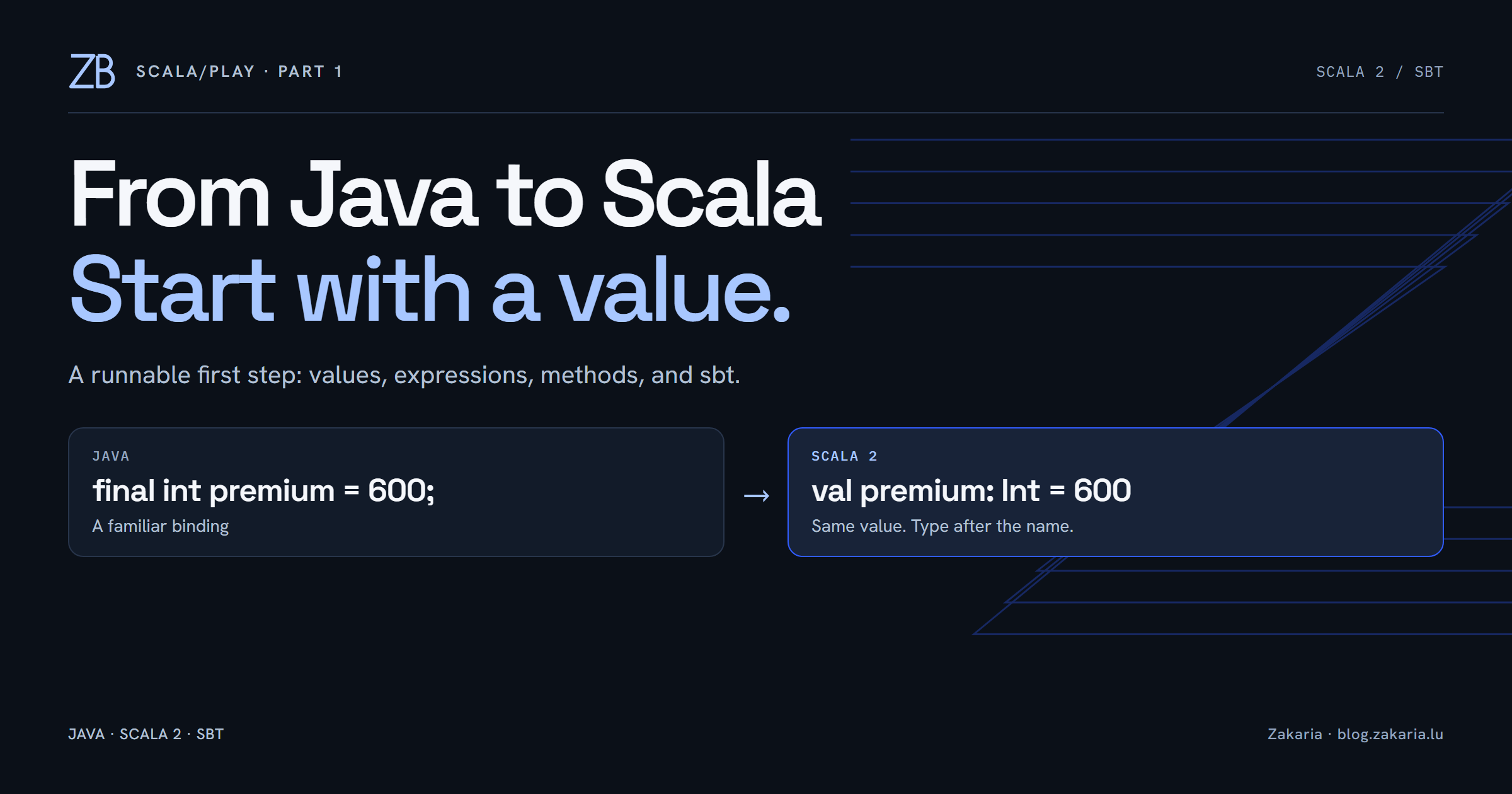
final int basePremium = 600;Its Scala counterpart puts the type after the name:
val basePremium: Int = 600val prevents reassignment. basePremium names the value, : Int declares its type, and = 600 initializes it. This is close to a Java final local variable. It does not make the internals of a referenced mutable object immutable.
When reassignment is intentional, Scala offers var:
var premium: Int = 600
premium = 650
I can also write val basePremium = 600. The compiler infers Int; it does not turn the variable into a dynamically typed container. Even var premium = 600 cannot later accept a string. I will use explicit types while learning where they make the syntax easier to read.
An if expression produces the premium
In Java, I might assign a variable inside each branch. Scala lets me initialize a value from the entire conditional:
val basePremium: Int = 600
val claimFreeYears: Int = 3

val annualPremium: Int =
  if (claimFreeYears >= 3) {
    val discount: Int = 50
    basePremium - discount
  } else {
    basePremium
  }
With three claim-free years, the condition is true. Only the first branch runs: it binds discount to 50 and computes 600 - 50. The resulting 550 initializes annualPremium. No reassignment is needed.
The closest Java equivalent for this calculation is a ternary expression:
final int annualPremium =
    claimFreeYears >= 3 ? basePremium - 50 : basePremium;
The other useful rule is that a Scala block takes the value of its last expression. In the first branch, that expression is basePremium - discount. The local discount binding stays inside its block. Both branches here produce an Int, so the overall result is straightforward. The Scala basics guide explains these building blocks.
Give the calculation a method
Once the calculation is clear, I can name it and supply its inputs as parameters:
def calculatePremium(basePremium: Int, claimFreeYears: Int): Int = {
  if (claimFreeYears >= 3) {
    val discount: Int = 50
    basePremium - discount
  } else {
    basePremium
  }
}
def declares a method. The two parameters use name: Type syntax. The : Int after the closing parenthesis declares the result type, and = introduces the body. Its final expression is our conditional, whose value becomes the method result. An explicit return is unnecessary here.
calculatePremium(600, 3) supplies 600 as the base and 3 as the claim-free years, producing 550. Calling it with (600, 2) selects the other branch and produces 600. Each call evaluates the body with its own arguments.
A small sbt project I can run
I used Scala 2.13.18 and sbt 1.12.15 for this learning project and ran it on Oracle Java 25.0.2. These are the lab versions, not a claim about any employer's configuration. There is no Play dependency yet.
scala-play-lab/
  build.sbt
  project/
    build.properties
  src/main/scala/learning/
    PremiumLesson.scala
build.sbt fills a role familiar from pom.xml: it describes the project to the build tool. This is its complete content:
name := "scala-play-lab"
version := "0.1.0-SNAPSHOT"
scalaVersion := "2.13.18"
:= sets an sbt setting; it is not ordinary Scala variable assignment. In project/build.properties, a separate line pins the build tool itself:
sbt.version=1.12.15The application needs an entry point. Put the method above inside this object, where the comment indicates, to complete PremiumLesson.scala:
package learning

object PremiumLesson {
  def main(args: Array[String]): Unit = {
    println(calculatePremium(600, 3))
    println(calculatePremium(600, 2))
  }

  // Insert calculatePremium here.
}
object declares a singleton. The main method serves the role of Java's public static void main(String[] args). Array[String] is an array of strings. Unit means there is no meaningful result to return, similar to Java's void. println writes to the console.
With a JDK and sbt installed, open a terminal beside build.sbt and run:
sbt runThis compiles as needed and executes the application. The first run may download build tools and dependencies. My fuller lab printed the policy information too; its two method calls returned 550 and 600, exactly as expected. The minimal entry point above prints those numbers on separate lines.
Carry Maven knowledge across carefully
| Familiar Java/Maven idea | Our sbt project |
|---|---|
| Project build definition in pom.xml | build.sbt |
| src/main/java | src/main/scala |
| mvn compile | sbt compile |
| mvn clean compile | sbt clean compile |
| Generated files under target | Generated files under target |
sbt also has an interactive shell: launch sbt, enter run after each edit, and use exit when finished. The running guide documents both forms. The build-definition guide explains settings in more depth.
I will cover the responsibilities of Maven's settings.xml, local publishing, dependency trees and dependency conflicts as the project grows. Those comparisons deserve actual examples: sbt tasks are not Maven lifecycle phases with different spelling.
The next step
Change a method call from three claim-free years to two, run it again, and follow the selected branch. That small edit connects the syntax to observable behaviour. Next in Scala/Play: classes and constructors, using the same example before introducing a web framework.