Verifying a domain in Google Search Console — the DNS TXT gotcha
Why I finally bothered
The site behind zakaria.lu — and this blog — had been live for a while with exactly zero visibility into how Google actually saw it. No impressions, no queries, no idea whether my own name even resolved to my own domain. So I sat down to wire up Google Search Console. The whole thing is about ten minutes of work, except for one DNS gotcha that quietly fails your first verification and sends you back to wait on propagation all over again. Here is the version that gets it right on the first try.
Pick a Domain property, not URL-prefix
Search Console offers two property types, and the choice matters more than it looks. A Domain property is verified once via a single DNS TXT record and then covers the apex and every subdomain underneath it. One verification, and both zakaria.lu and blog.zakaria.lu roll into the same property. The older URL-prefix properties treat https://zakaria.lu/ and https://blog.zakaria.lu/ as separate entries, each needing its own verification token. Fewer moving parts, broader coverage, future subdomains included for free — pick Domain.
The record, and the mistake almost everyone makes
Google hands you a string that looks like this:
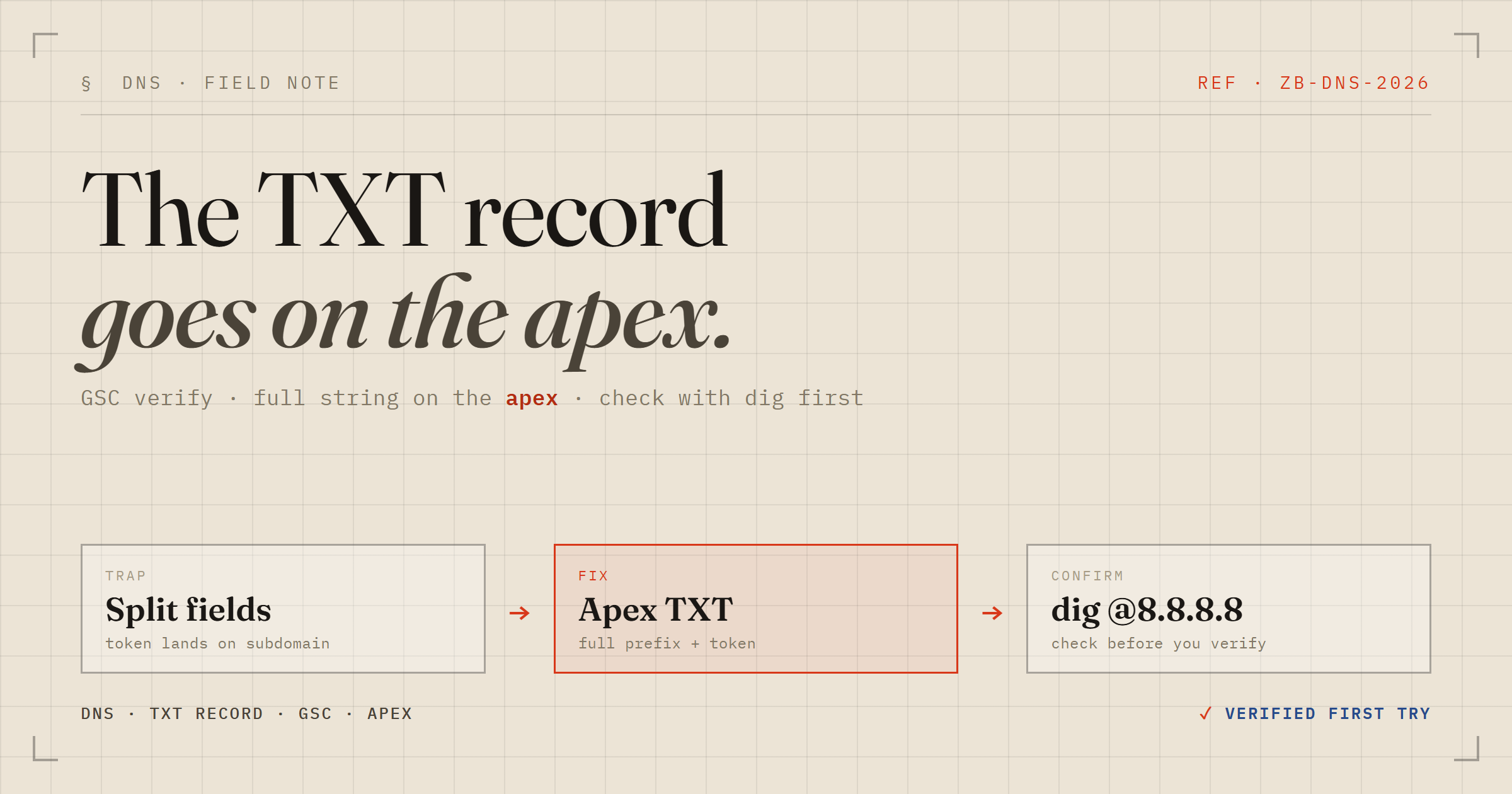
google-site-verification=xxxxxxxxxxxxxxxxxxxxxxxxxxxxxxxxxxxxxxxxThat entire string is the value of one TXT record placed on the root of your zone. It is not a name/value pair to be split across your DNS provider's two-field form. But almost every DNS UI shows a "Name / Host" box sitting right next to a "Value" box, and the obvious-feeling move is to drop google-site-verification into Name and the bare token into Value. That is wrong on two counts at once:
| Field | Wrong (what the form nudges you toward) | Right |
|---|---|---|
| Name / Host | google-site-verification | @ (the apex) |
| Value | xxxxxxxx (bare token) | google-site-verification=xxxxxxxx (full string) |
Do it the wrong way and you have created a record at google-site-verification.yourdomain.com holding a bare token — wrong location and wrong content. Google's checker is looking for a TXT record on the apex whose text reads literally google-site-verification=<token>. A bare token parked on a sub-host matches neither half of that, and the verify quietly fails.
Check DNS before you click "Verify"
This is the step that turns "save, wait, fail, repeat" into a single clean verification. Before you go anywhere near the Verify button, confirm the record is actually live and well-formed. On Windows / PowerShell:
Resolve-DnsName -Name zakaria.lu -Type TXT -Server 8.8.8.8The -Server 8.8.8.8 is the important bit. It queries Google's public resolver directly, which is effectively the view Search Console reads — not your ISP's possibly-stale cache. On macOS or Linux the equivalent is:
dig TXT zakaria.lu @8.8.8.8 +shortWhat you want to see is the verification string sitting alongside whatever else already lives on the apex (SPF, DMARC, and friends):
google-site-verification=xxxxxxxxxxxxxxxxxxxxxxxxxxxxxxxxxxxxxxxx
v=spf1 mx:zakaria.lu a:mail.zakaria.lu -all
Two things to confirm in that output: the value carries the google-site-verification= prefix, and it is answering for the bare apex (zakaria.lu) rather than a sub-host. I also like to cross-check a second resolver — Cloudflare's 1.1.1.1 — so I know the record has genuinely propagated and it is not just one cache being friendly:
Resolve-DnsName -Name zakaria.lu -Type TXT -Server 1.1.1.1Only once both resolvers agree do I go and click Verify. It flips green immediately, because Google is reading the exact same record I just read with my own eyes.
Once it is green
Two follow-ups are worth doing right away, while you are still in the console:
- Submit your sitemaps. Under Sitemaps, add each one. With a Domain property covering both hosts, that is
https://zakaria.lu/sitemap.xmlandhttps://blog.zakaria.lu/sitemap.xml. They are already discoverable throughrobots.txt, but explicit submission is faster and gives you per-sitemap status and error reporting. - Request indexing for your most important pages via URL Inspection. It bumps them to the front of the crawl queue instead of waiting for Google to wander past on its own schedule.
The payoff
The reason any of this is worth ten minutes: within a day of submitting the sitemap, the apex was ranking on the first page for my own name, with the right title and favicon — real content, not just a placeholder. Search Console is where you go to watch that happen and to catch the pages Google quietly decides not to index.
The lesson I am keeping: DNS verification itself is trivial, but the two-field form is a genuine trap, and a ten-second Resolve-DnsName against 8.8.8.8 is the difference between one clean verify and a frustrating loop of propagation waits. Read the record before you trust the button.