Field notes: running my Fastmail inbox over MCP
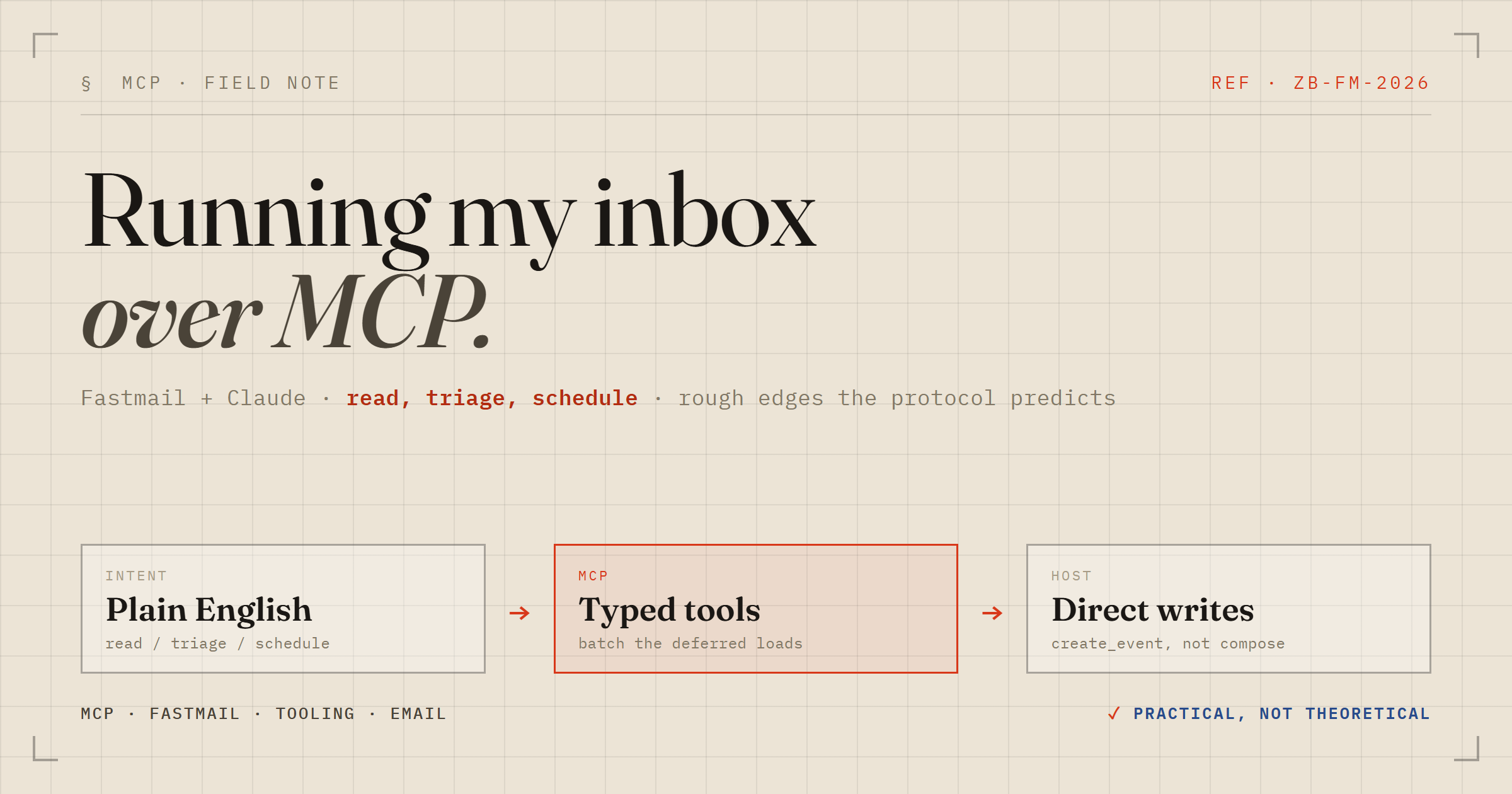
Giving an AI assistant the keys to my mailbox
I spend more time than I'd like in the boring connective tissue of getting things done — email, contacts, calendar. So when Fastmail shipped an MCP server, I wired it into my Claude Code setup and spent an afternoon actually using it on my real inbox: reading mail, triaging, and booking a genuine appointment. These are the field notes — what works, the search syntax worth memorising, and the two gotchas that cost me a few minutes.
What MCP actually buys you here
MCP (Model Context Protocol) is just a contract: the server exposes a set of typed tools, and the client — Claude, in my case — calls them. Fastmail's server covers four domains: email, contacts, calendar, and notes, each with the verbs you'd expect (search, read, create, update, delete). Email bodies accept markdown and get converted to HTML with a plain-text fallback, which is a nice touch. Replies and forwards handle the threading headers and quoting for you automatically — you pass a mode and the message id, and it does the RFC plumbing.
The deferred-tools wrinkle
First thing that tripped me up: the tools don't all load up front. In my client they're deferred — the model sees the tool names but not their schemas, and calling one blind fails validation. You load the schema first. The efficient move is to batch every tool you expect to need into a single load call rather than paying a round-trip per tool:
select:search_email,read_email,delete_email,list_foldersSmall thing, but if you're driving an MCP client programmatically it's the difference between one warm-up call and ten.
Search is Gmail syntax, with extras
The search tool speaks Gmail-style queries, so muscle memory transfers straight over: from:, subject:, is:unread, has:attachment. Fastmail layers on a few that I now reach for constantly:
meexpands to your verified sending identities.with:matches any address field at once (from / to / cc / bcc).in:accepts a mailbox id, name, or role.- Relative dates:
after:7d,1w,3m, plustoday/yesterday.
Omit the query entirely and you get the most recent messages — which is exactly how I pulled up "the last mail" in a single call. Reading a message strips the quoted reply chain by default, so you see only the new content; there's a flag to get the raw body back when you actually want the whole thread.
Triage is one call each
Deleting was instructive about the underlying model: it doesn't nuke anything, it moves the message to Trash and tells you so.
{ "trashed": ["StoDQpLfnkOB"] }Archive, flag, mark read/unread, move between folders — all single calls. My own mailbox is heavily foldered (separate buckets for car admin, a past relocation, invoices, job stuff), and the folder listing comes back with roles and unread counts. That matters: it lets the assistant reason about where things live, not just what they say.
The calendar gotcha: stage vs commit
This is the one that actually bit me. There are two ways to create an event. compose_event stages the event into an interactive widget for you to review and confirm — lovely in a host that renders the widget (the Fastmail app, a web client). I'm driving from a terminal. There is no widget surface in a terminal, so the staged event rendered nowhere and, crucially, committed nothing. Staging is not saving.
The fix is create_event, which writes directly and hands back an id:
{ "id": "EM-yI8", "created": true }The lesson is to match the tool to your host. Interactive-widget tools assume a UI that can render them; headless or terminal clients want the direct-write variants. Same data, different commit semantics.
What's missing: reminders
I wanted a plain "remind me 3 hours before" alert on that appointment. None of the calendar tools — create_event, update_event, or compose_event — expose an alert or reminder field at all. So I couldn't set it from the assistant: I created the event, noted the intended reminder in the description, and added the actual alert by hand in the Fastmail app. Worth knowing before you promise someone an automated nudge that the API can't deliver.
The takeaway
For an afternoon's poking, the Fastmail MCP server is genuinely useful, not a demo. Reading and triaging mail by natural-language intent — and having it resolve down to precise Gmail-style queries — is a real workflow I'd keep. The rough edges are exactly the ones the protocol predicts: load the schemas before you call, pick the tool that fits your host, and check the schema before assuming a field exists. None of it is a dealbreaker. All of it is the kind of thing you only learn by wiring it up and pointing it at your own inbox.