Cloning my own voice on a CPU in 20 minutes with Pocket TTS
A TTS that fits in your CPU
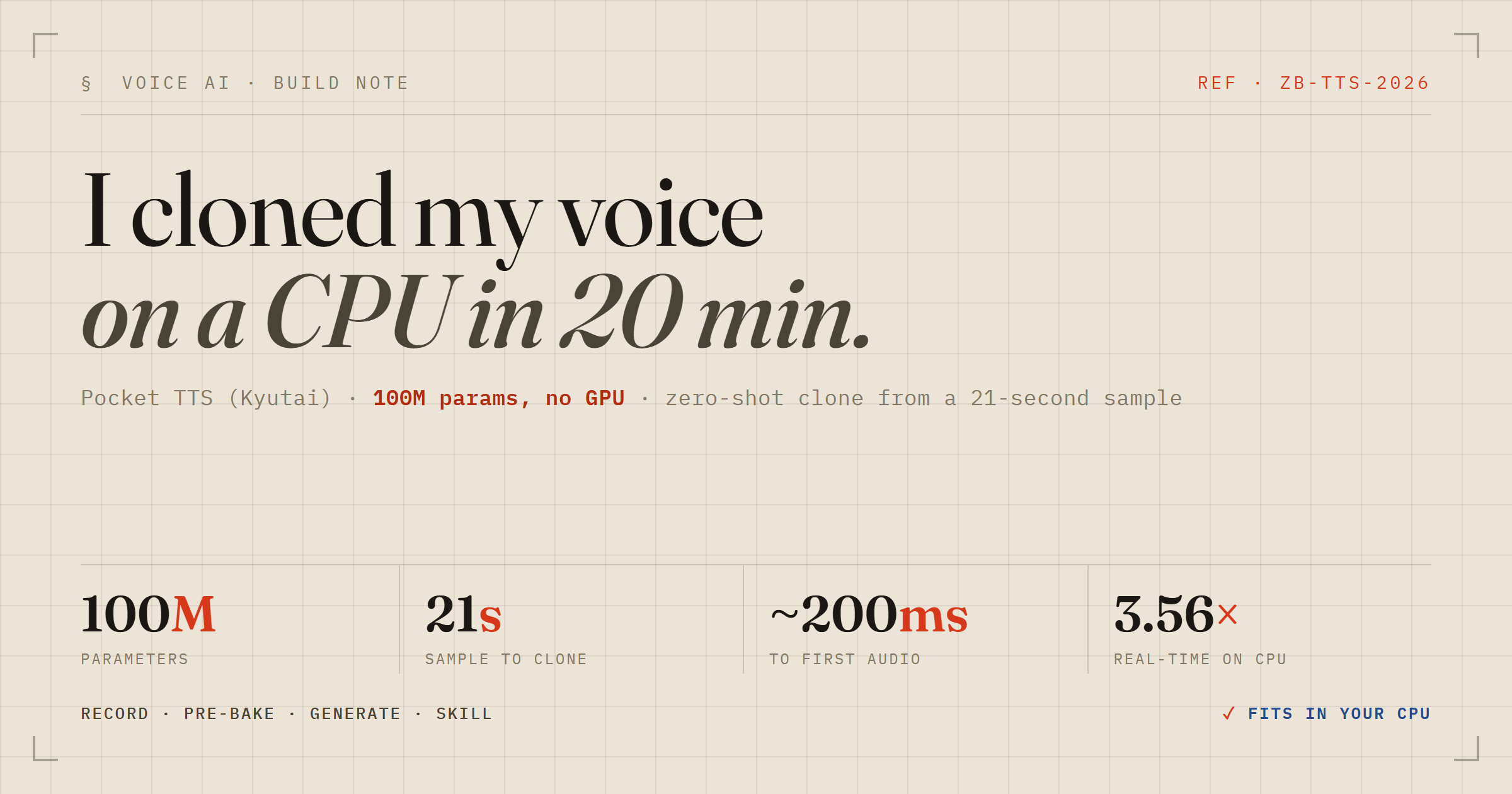
I spend most of my day in event-driven Java for banking, so a model that does something genuinely impressive with no GPU, no cloud, no API key always earns a closer look. Pocket TTS from Kyutai Labs is exactly that: a 100M-parameter text-to-speech model tuned for CPU. The pitch — "a TTS that fits in your CPU (and pocket)" — is roughly 6x faster than real-time on a MacBook M4, ~200ms to the first audio chunk, runs on two cores. And it does zero-shot voice cloning from a few seconds of reference audio.
I wanted my own voice out of it. Here's the honest path from zero to a working clone on Windows 11, including the two places I got bitten.
The happy path
You can run it without installing anything, straight through uvx:
uvx pocket-tts generate --voice ./myvoice.wav --temperature 0.8 \
  --text "Testing one two three." --output-path out.wav
When it works, the logs are the fun part. On my machine, encoding the voice prompt took ~2.3s, the model state for the voice weighed 12 MB, and generation itself ran at about 17ms per step:
INFO: Encoding audio prompt took 2296 ms
INFO: Size of the model state for audio prompt: 12 MB
INFO: Average generation step time: 17 ms
INFO: Generated: 1440 ms of audio in 405 ms so 3.56x faster than real-time
3.56x faster than real-time, on a CPU, from a 21-second clip the model had never seen. The first time I hit play, my reaction was — literally — "WHAAAAAAT." The timbre was mine. That's the whole point of the ethics notice they ship with it, and it lands.
Gotcha #1: uvx runs in its own world
My first run died on a missing dependency for non-WAV audio:
ImportError: soundfile is required to read non-WAV audio files.
Install with: `pip install soundfile` or `uvx --with soundfile`
So I ran pip install soundfile. It reported "Requirement already satisfied" — and the next run failed with the exact same error. That's the trap: uvx spins up an isolated, ephemeral environment for the tool it runs. My system-Python pip install landed in a completely different interpreter that uvx never touches.
The fix, if you want to stay on uvx, is to inject the dependency into that environment:
uvx --with soundfile pocket-tts generate ...The lesson generalises to every pipx/uvx-style tool: any runtime dependency the tool doesn't declare has to be injected explicitly. Reaching for a global pip install is muscle memory that quietly does nothing here.
Gotcha #2: my "audio" was a video
Even with soundfile sorted, my file still wouldn't load. The reason was dumber and more instructive: my recording was a .mp4. That's a video container, and the AAC audio inside it isn't something libsndfile (what soundfile wraps) decodes. Installing more Python packages was never going to fix a format problem.
The clean move is to convert once to WAV — which Pocket TTS reads natively, no soundfile in the loop at all:
ffmpeg -y -i myclip.mp4 -ac 1 -ar 24000 -vn myvoice.wavMono (-ac 1), 24 kHz (-ar 24000), drop the video stream (-vn). 24 kHz mono is the sweet spot: the model truncates prompts to 30 seconds and resamples internally anyway, so a lean WAV just means faster encoding and less disk. My 344 KB mp4 became a ~1 MB, 21-second WAV, and everything downstream Just Worked.
Making it permanent
Once I knew I'd reach for this a lot, running through uvx — which re-resolves dependencies on every invocation — stopped making sense. The persistent equivalent is uv tool install, the moral cousin of pipx install: a dedicated venv for the tool, but the CLI lands on your PATH like a normal program.
uv tool install pocket-tts --with soundfileTwo things I like here. First, --with soundfile is recorded as part of the tool's environment, so it survives uv tool upgrade — I won't have to re-add it. Second, its torch and scipy live in their own sandbox and can't collide with anything else on the box. After install I had a plain pocket-tts command at C:\Users\...\.local\bin\pocket-tts.exe, no uvx prefix needed.
Two things worth knowing after
If you reuse one voice constantly, pre-bake it so it loads instantly instead of re-encoding the prompt every run:
pocket-tts export-voice ./myvoice.wav ./myvoice.safetensors
pocket-tts generate --voice ./myvoice.safetensors --text "Instant load!" --output-path out.wav
And pocket-tts serve gives you a web UI at localhost:8000. Worth noting: serve has no --voice flag — the voice is chosen in the page itself, either a name/URL field or an upload box, and the two are mutually exclusive (upload wins). Same format rule applies there: feed it WAV/MP3/FLAC, not MP4.
Wiring it into my sessions as a Claude Code skill
Running commands by hand is fine once. But I live in Claude Code, and I'd rather just say "read this back in my voice" and have it happen — same voice, same output folder, every time. So I turned the workflow into a user-scoped skill. User-scoped (in ~/.claude/skills/, not a repo's .claude/skills/) means it's personal and available from any project, which is exactly right for a "my voice" tool.
A skill is just a SKILL.md with YAML frontmatter and instructions. The frontmatter is the important part — the description is what the agent matches your request against to decide whether to invoke it, so it's worth loading with real trigger phrases rather than a terse summary:
---
name: to-speech
description: Convert text to speech in my own cloned voice using Kyutai Pocket TTS
  (CPU, local). Use whenever I want to hear text spoken, generate a voice clip,
  narrate something, or "say this in my voice". Reads the pre-baked voice and
  always writes the .wav into the fixed out directory.
---
The body is plain instructions the agent follows: the voice defaults to the pre-baked .safetensors (instant load, with the WAV as fallback), the output always lands in one fixed out\ directory, and the filename is a kebab-slug of the text that never overwrites an existing clip. I also baked today's two gotchas straight into the skill body — the mp4 conversion step and the "call the installed binary, not uvx" note — so future-me doesn't re-learn them.

The nice part is the ergonomics. Mid-session I now type:
/to-speech Deploy is green, shipping to prod now.and get back out\deploy-is-green.wav, played inline, in my own voice — no flags to remember, no path to type. The tool went from "a thing I can run" to "a thing that's part of how I work," which is the whole point of turning a one-off into a skill.
The takeaway
The clone quality is the headline, but the two lessons are the durable part. When a tool runs in its own environment, your global package manager is talking to the wrong interpreter. And an ImportError about audio codecs is sometimes really a container-format problem wearing a costume — no amount of pip install fixes a .mp4. Convert to WAV, install it properly with uv tool, and it's a genuinely delightful little model to keep around.