An intro to TraceQL: how to actually query traces in Grafana Tempo
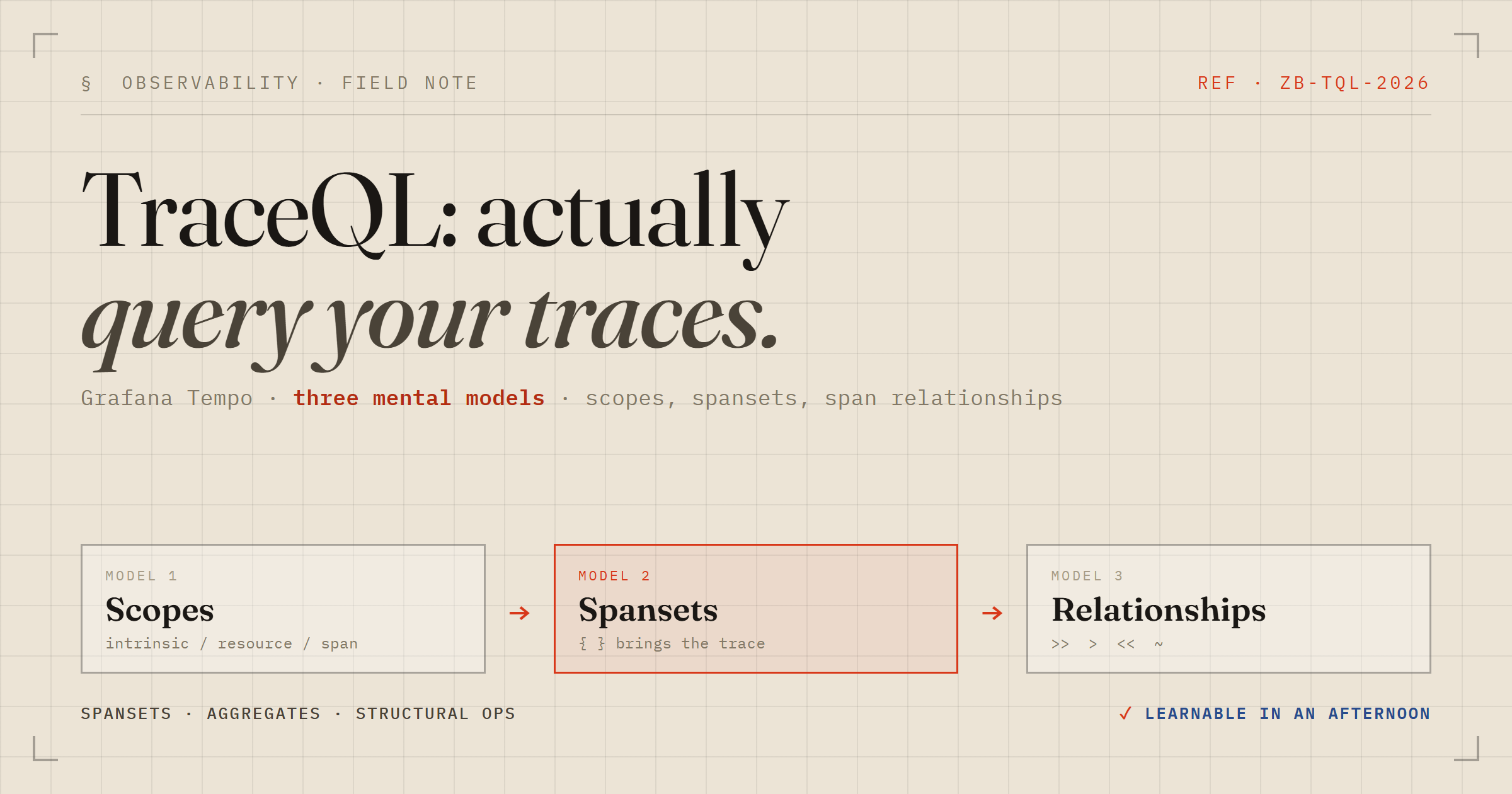
TraceQL has a tiny surface area — and three sharp edges
Grafana Tempo's query language, TraceQL, is small enough to learn in an afternoon and easy enough to forget by the next month. The syntax isn't the hard part; the hard part is a handful of mental models that, once they click, make every query obvious. This is the intro I wish I'd had — the scope rules, the spanset, aggregates, and the structural operators that almost nobody remembers exist.
Throughout, I'll lean on a tiny example: a service that receives a request, validates the input, and makes one downstream HTTP call. Four spans per trace — interesting enough to query, small enough to reason about.
Rule 1: every field belongs to one of three scopes
This is the thing people get wrong first. A field in TraceQL is either an intrinsic, a resource attribute, or a span attribute, and the prefix tells Tempo where to look. Get the prefix wrong and your query silently matches nothing.
| Scope | Prefix | What it describes | Examples |
|---|---|---|---|
| Intrinsic | none | Built-in span facts, baked into every span | name, kind, status, duration, rootName, rootServiceName, traceDuration |
| Resource | resource. | Who emitted the span — the process/SDK context | resource.service.name, resource.k8s.pod.name |
| Span | span. | What the operation did | span.http.request.method, span.db.system |
There's also the bare dot — an unscoped attribute like .http.request.method — which searches both resource and span scopes at once. Convenient, a little slower, and slightly ambiguous: reach for it when you can't remember which scope an attribute lives in, then pin it down once you know.
Rule 2: the curly braces are a spanset filter, not "a trace"
The biggest conceptual unlock: { ... } does not mean "a trace." It's a filter over spans. Tempo finds every span matching the condition inside the braces, then hands you back the traces those spans belong to. The matched spans are the spanset; the trace just comes along for the ride.
{ status = error }
{ resource.service.name = "checkout" && duration > 1s }
{ span.http.response.status_code >= 500 }
That last one reads as: "find spans where the HTTP response was 5xx, and show me their traces." Simple, but the distinction matters enormously the moment you combine conditions.
Rule 3: "same span" is not "same trace"
This is the single most common mistake, and it produces the maddening "0 results" on a query that looks correct. Conditions inside one set of braces must all hold on the same span. Conditions in separate braces only have to hold somewhere in the same trace.
# both must be true on ONE span — usually matches nothing,
# because validateInput is not the span that made the HTTP call
{ name = "validateInput" && span.http.response.status_code = 500 }

# two different spans, same trace — this is what you actually meant
{ name = "validateInput" } && { span.http.response.status_code = 500 }
Whenever a query that "should obviously match" returns nothing, this is the first thing to check: am I asking one span to be two things at once?
Aggregates: ask a question about the whole trace
Pipe a spanset into an aggregate with | and you can filter on properties of the group of matched spans, per trace.
{ } | count() > 3                      # traces with more than 3 spans
{ status = error } | count() >= 2      # traces with two or more error spans
{ } | avg(duration) > 50ms             # traces whose spans average over 50ms
One gotcha worth memorizing. If count() reports 4 but the results table only lists 3 span rows, nothing is broken — you've hit the Spans Limit (the spss, spans-per-spanset, parameter). Aggregates are computed server-side over every matching span; the UI then truncates how many span rows it renders. The aggregate is the truth; the visible rows are a display cap. Bump Spans Limit and the missing span appears.
Structural operators: the part nobody remembers
This is the feature that turns TraceQL from "grep for spans" into "reason about the shape of a request." The operators describe parent/child and ancestor/descendant relationships between two spansets:
| Operator | Meaning |
|---|---|
A >> B | A has a descendant matching B |
A > B | A has a direct child matching B |
A << B | A has an ancestor matching B |
A ~ B | A has a sibling matching B |
# root requests where some downstream span returned 5xx
{ name = "handleRequest" } >> { span.http.response.status_code = 500 }

# any server span with an errored descendant — classic root-cause hunt
{ kind = server } >> { status = error }

# direct parent/child only
{ name = "handleRequest" } > { name = "validateInput" }
By default the result is the left side's spans, filtered by the relationship — so {root} >> {error} hands you the root spans of exactly the traces whose downstream calls failed. That's the query you actually want during an incident, and it's the one most people don't know how to write.
Bonus gotcha: the attribute you're typing was renamed
If you instrumented with OpenTelemetry, the HTTP semantic conventions moved. Querying the old names returns nothing on modern data, and the failure is silent. The big three:
| Old | New |
|---|---|
http.method | http.request.method |
http.status_code | http.response.status_code |
net.peer.name | server.address |
When in doubt, don't guess: expand a real trace, click a span, and copy the attribute name straight off it — or let the editor's autocomplete enumerate what's actually present.
From traces to metrics, for free
The same query language doubles as a metrics engine. Append a metrics function and Tempo computes time series straight from spans — no separate metrics pipeline required:
{ status = error } | rate() by (resource.service.name)
{ kind = server } | quantile_over_time(duration, .99) by (resource.service.name)
This is a surprisingly good way to get RED-style signals (rate, errors, duration) out of traces before you've stood up a metrics backend at all.
A starter kit to keep
{ resource.service.name = "your-service" }— everything from one service.{ status = error }— all errors, fast.{ } | count() > 3— fat traces; tune the number to your span count.{ kind = server } >> { status = error }— requests with a downstream failure.{ kind = server } | quantile_over_time(duration, .99) by (resource.service.name)— p99 latency per service.
Memorize the three rules — scopes, spanset-not-trace, same-span-vs-same-trace — and the rest is lookup. Everything else in TraceQL is a variation on those.